Is There a CRM You Can Update Just by Talking to It?
Yes, AICRM's voice agent creates contacts and tasks, logs calls and updates records as you talk, confirming each change first. Here's what it can and can't do.
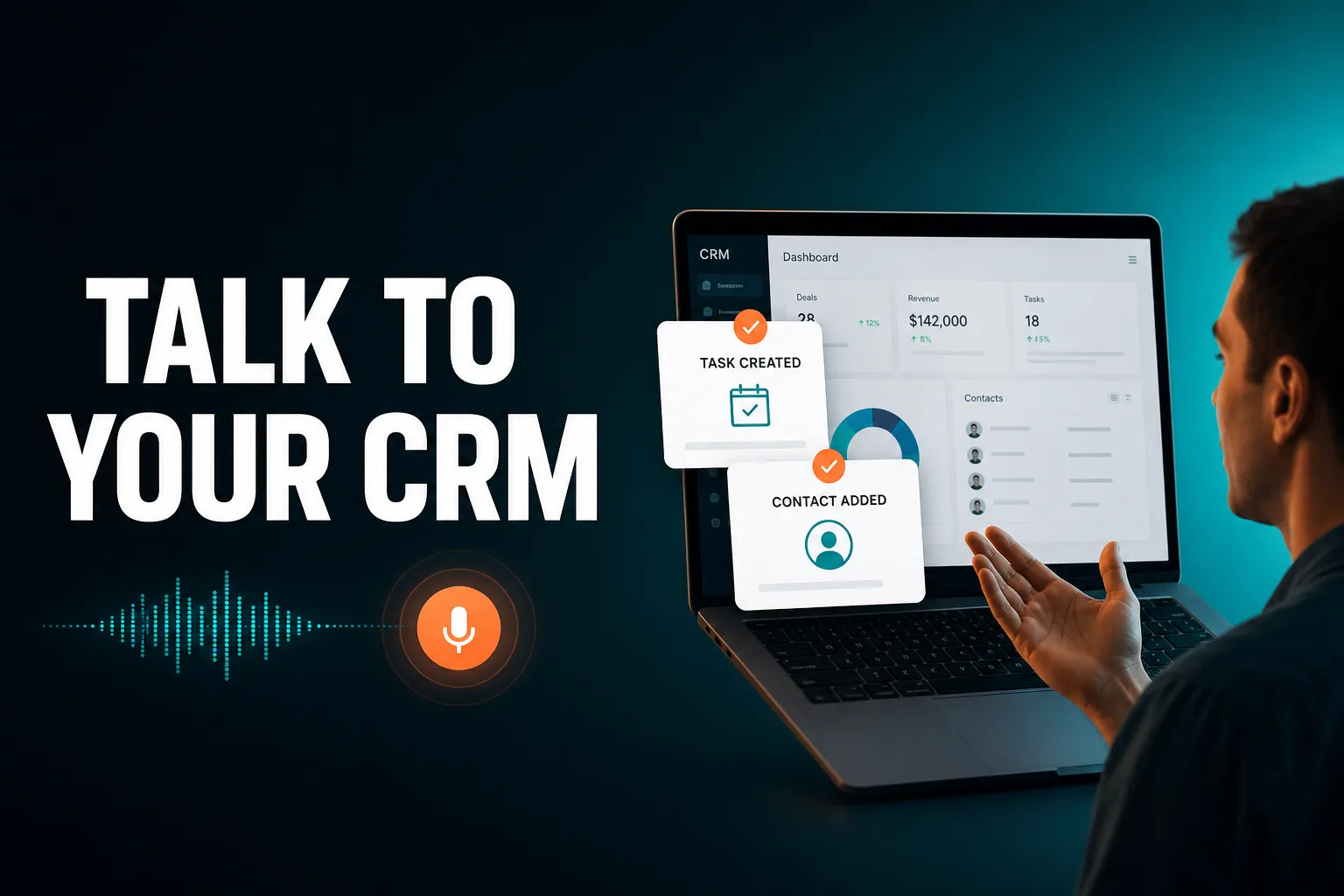
Yes. AICRM is a CRM you can talk to: its voice agent is a live, real-time conversation in your browser that can create contacts, log calls, create tasks and update records, restating each change and asking you to confirm before it runs.
Whether that fits depends on what you mean by 'talk to'. Dictating into a text box, uploading a recorded voice note and holding a conversation with an assistant that can change your data are three different things, and this article explains the difference so you can pick the right one.
Is there an AI CRM that I can talk to like an assistant?
Yes. AICRM's voice agent is built to be spoken to: you talk in the browser, it replies out loud, and it reads and writes your CRM through live tool calls. It restates any change and waits for your confirmation before running it. Other CRMs have AI assistants too, so check whether they take spoken input and can change records, or only answer questions.
The 'like an assistant' part matters. A real assistant does two things: it answers questions about your customers, and it does something when you ask. Both are covered.
Asking questions
You can ask things you would otherwise hunt through filters and tabs to find:
- 'What needs my attention today?'
- 'Who hasn't replied to my email?'
- 'Find customers who have gone quiet.'
- 'Who are my highest-scoring leads?'
- 'What's due soon?'
AICRM's agent only gives grounded answers. It does not state a fact about your customers unless it has made a live lookup in your data first, which is what stops an assistant from confidently inventing a contact's history.
Asking it to act
A short example of how this feels in practice:
You: Log a call with Priya, she wants a demo next week.
Agent: Logged. Want me to set a follow-up task, or check her calendar for next week?
That second sentence is the point. You told it what happened, and it offered the next step rather than leaving you to remember it.
Which CRM lets me create contacts and tasks using voice?
AICRM does. Its voice agent can add a new contact, update any contact field, log a call, email or meeting, and create, edit, complete or delete tasks. Each task has a due date and status and sits on that contact's record. Other CRMs may offer voice features of varying depth, so check what each one can actually write, not just what it can read.
Here is what creating things by voice looks like in AICRM:
- Contacts: add a new contact, update any field, reassign an owner, find a contact by name or detail, or pull up a full record.
- Tasks: 'Create a task to follow up with Marcus next Tuesday' creates a task due on Tuesday on Marcus's record. You can also mark a task done, change its due date or title, or list what's due soon.
- Calendar: schedule, reschedule or cancel a meeting, check what's on, and list overdue and upcoming follow-ups.
- Segments: build or edit a segment of contacts by lead score, lifecycle stage, status, industry, source or inactivity.
- Email: send a one-off email to a contact, or draft a follow-up for you to review.
The Features page lists 40 things you can ask the agent to do. That list is generated from the agent's own tool set, so it reflects what is actually live.
A worked example
Imagine you have just finished a coffee with a consultant who might refer you work. You open AICRM and say: 'Add Dana, she runs a small design studio, met her today.' The agent restates the contact it is about to create and asks you to confirm. You say yes, and then: 'Create a task to send Dana my case study on Thursday.' It restates the task and due date, you confirm, and it is on her record.
You did not open a form, pick a date from a calendar widget or switch to a separate task app. Tasks live in the Contact Drawer, next to that contact's activity history.
Is there a CRM I can update just by talking to it?
For day-to-day updates, yes. In AICRM you can create and change contacts, log activity, manage tasks, schedule meetings and draft emails by voice. Some things are still done on screen, such as reviewing and editing an email draft before sending, setting up lead-scoring rules in Settings or importing a CSV. So 'just by talking' covers daily admin, not every setting.
It helps to be clear about what stays on screen, because that is where voice-first claims often overreach.
What you do by voice
The repetitive work: adding people, logging what happened, setting follow-ups, tidying up tasks, checking who is overdue and asking for a draft. This is the admin that tends to be skipped when it means opening a record, finding the right field and typing.
What stays on screen
- Reviewing drafts. Ask 'Draft follow-ups for my top three contacts' and the agent saves a plain-text draft on each contact without sending anything. You review, edit and send (or discard) from the contact.
- Scoring rules. You define lead-scoring rules (job title, industry, company size, location, source, recency, email opens, site visits) in Settings, with no code.
- Imports. CSV import uses automatic field-mapping and reports failed rows individually.
The agent only sends an email when you explicitly ask it to, and only after confirming. Drafts are one-to-one only: there is no scheduled send, and drafts do not sync to your own Gmail or Outlook drafts folder.
What kinds of 'voice CRM' are there, and how do they differ?
There are broadly four approaches: dictating with your device's keyboard, recording voice notes that get transcribed, chatting with a typed AI assistant, and talking to a live voice agent that can write to the CRM. They solve different problems, and the right one depends on whether you need notes captured, questions answered or records changed.
| Approach | How it works | Good for | Watch out for |
|---|---|---|---|
| Device dictation | You speak into any text field and your device turns it into typing | Quick notes in any CRM, no special feature needed | You still navigate and click everywhere else |
| Recorded voice notes | You record a message and it is transcribed afterwards | Capturing detail after a visit or call | Not a conversation, and not every CRM offers it |
| Typed AI assistant | You type questions or commands and it answers or acts | Searching and summarising, often with some actions | Depth of what it can change varies by product |
| Live voice agent | You talk in real time and it reads and writes your CRM | Creating, updating and querying hands-free | Needs a place where you can talk aloud |
AICRM is in the last row. It is not a recorded voice-note or voicemail transcription tool. If your main need is turning a recording into notes, a CRM with that feature, or plain dictation, may suit you better.
How does a CRM you talk to avoid making mistakes?
The safest design is confirm-before-execute: the assistant says back exactly what it is about to create, change or delete, and nothing happens until you agree. AICRM's voice agent works this way for every create, update and delete, and it then opens the part of the app it just changed so you can see the result.
Speech is imprecise. Names get misheard, and 'next Tuesday' can mean two different days. A voice CRM that writes straight to your data without asking is a risk, so look for these protections:
- Restate and confirm. You hear the change before it runs.
- Visible result. AICRM deep-links the interface to whatever it just changed, so you can check it.
- Grounded answers. Factual claims about your data come from a live lookup, not a guess.
- No self-interruption. The microphone is gated while the agent is speaking, so it does not talk over or cut itself off.
The cost of confirming is a short extra step per change. For a small team, that is a fair trade for not finding a wrong date or a duplicate contact a week later.
Is talking to the CRM the main benefit?
Not quite. Talking is how you act, but the bigger gain is not having to go looking for what needs doing. AICRM's Daily Brief surfaces follow-ups, unanswered emails, signals and quiet customers when you open the dashboard, and the voice agent then helps you deal with them in the same conversation.
Often people do not neglect their CRM because typing is hard. They neglect it because nothing tells them who needs a reply today, so follow-ups slip. That is why AICRM is built around attention first, then context, then action.
What the Daily Brief covers
Computed live every time the dashboard loads, it can include:
- follow-ups due or overdue, with the reason you set
- emails you sent from AICRM that are still awaiting a reply
- open tasks
- new company news and job title changes for your contacts
- known contacts who came back to your website
- email drafts waiting to be sent
- a count of customers with no contact logged in 90+ days
It is also emailed at 7am on weekdays in your timezone, skipped when there is nothing to act on, and can be switched off in Settings. Monday includes a three-day lookback so the weekend does not get lost. There are no mobile push notifications.
Asking 'what should I do next?'
If you ask the agent what needs your attention or what to do next, it returns one ranked list from the same data: overdue follow-ups and hot signals first, then follow-ups due today, unanswered emails, contacts back on your website, warm signals and tasks, each with its reason. It does not rank these by lead score. For that, you ask separately for your highest-scoring leads.
Follow-ups picked up from what you log
When you log a call, meeting, note or email in AICRM and mention something like 'call me after the 15th' or 'I'll send it Friday', AICRM can pick up the follow-up date. This only works on conversations logged in AICRM, including emails sent from it or BCC'd or forwarded to it. AICRM does not listen to your calls or read your inbox.
What should I look for in a CRM I can talk to?
Look for a voice feature that can write, not only read, confirms before it changes anything, and works on the tasks you actually do each week. Then check the limits: what happens at the edge of your plan, what it cannot do, and whether the CRM also tells you what needs attention.
A practical checklist:
- Write access. Can it create contacts, log activity and set tasks, or does it only answer questions?
- Confirmation. Does it restate changes before running them?
- Real-time or recorded. Is it a live conversation, or transcription after the fact? Both are valid, but they are different tools.
- Grounding. Does it answer from your data, or can it improvise?
- Proactive attention. Does the CRM surface what needs doing, or wait for you to ask?
- Cost model. Is voice usage included, capped or metered?
- Where you can use it. A live voice agent needs a moment where you can speak aloud. In an open-plan office or on a train you may prefer to type.
The best test is your own data. Ask for a trial and run through the five or six things you did last week: add a contact, log a call, set a follow-up, find who has gone quiet.
When is a different CRM a better choice?
AICRM is built for founders, consultants, small-business owners and small teams who want to stay on top of customers with less admin. If you need a formal sales pipeline, phone calling or recorded-call transcription, another CRM will probably fit better.
Being specific about this is more useful than a sales pitch:
- You need a deal pipeline. AICRM has no deal stages. It is built around contacts, lifecycle stages, lead scores, segments, tasks and campaigns. Many small teams use lifecycle stages and follow-up tasks where larger teams use deals, but if you manage a multi-stage sales process with forecasts and a bigger sales team, established CRMs such as HubSpot, Pipedrive or Salesforce are built for that.
- You want calling or texting inside the CRM. AICRM has no phone dialler, SMS or calling features.
- You want recorded voice notes or voicemail transcribed. The voice agent is live conversation only.
- You want everything pulled in from your inbox automatically. AICRM logs emails sent from it or BCC'd or forwarded to it. Its no-reply detection covers one-to-one emails sent from AICRM, not campaign emails or emails sent from your own inbox.
- You need a long list of integrations. AICRM's integrations are Google Calendar, email logging, CSV import and export, embeddable forms and booking pages.
Other CRMs also have their own versions of next-action and follow-up features. AICRM's angle is surfacing what needs attention and then letting you act on it in the same conversation.
What does a voice CRM cost?
In AICRM, every plan includes the full CRM and the voice agent. Plans differ in monthly voice-agent minutes and contact limits: Starter is $29 a month with 120 minutes and up to 2,000 contacts, Growth is $79 with 400 minutes and up to 5,000, and Power is $149 with 600 minutes and up to 20,000.
Minutes beyond your bundle are billed at $0.15 a minute, with a $2 a day safety cap so a runaway session cannot surprise you. Everything else, including segments, campaigns and automation, has no usage limit or per-seat charge.
The trial is 7 days with full features. A card is required up front, but you are not charged until the trial ends.
When you compare costs, remember that the bundles are measured in voice-agent minutes, so it is worth estimating how much you would talk to the agent in a typical week.
What is the next step?
If you want to see whether a CRM you talk to suits the way you work, the quickest check is to try it with your own contacts. Start the 7-day free trial, import a CSV of your customers, and spend a day running your follow-ups by voice.
If you would rather look first, the Features page lists everything the voice agent can do, the demo shows it in use, and pricing has the plan details. If you have a specific question about whether it fits, you can contact us.
Frequently asked questions
Is there an AI CRM that I can talk to like an assistant?
Yes. AICRM has a voice agent you talk to in real time in your browser. It can answer questions about your customers, such as what needs your attention today or who has not replied, and it can make changes like creating contacts, logging calls and setting tasks. It confirms each change before running it.
Which CRM lets me create contacts and tasks using voice?
AICRM does. You can say things like 'Create a task to follow up with Marcus next Tuesday' and the agent creates it, due on that date, on Marcus's record after you confirm. It can also add contacts, update fields, log calls and meetings, and complete or edit tasks.
Is there a CRM I can update just by talking to it?
For everyday updates, yes. In AICRM you can add and update contacts, log activity, manage tasks and schedule meetings by voice. A few things stay on screen, such as reviewing and sending email drafts, setting lead-scoring rules in Settings and importing CSV files.
Can AICRM transcribe voice notes or voicemails?
No. AICRM's voice agent is a live, real-time conversation in the browser: you talk, it confirms and it acts. It does not transcribe recorded voice notes or voicemails, and it does not listen to your calls. If recorded-note transcription is your main need, look for a CRM that offers it.
Does the AICRM voice agent send emails without asking me?
No. The agent can draft follow-up emails and save them as plain-text drafts on each contact without sending anything. It only sends when you explicitly ask it to, and it confirms first. Drafts are one-to-one, with no scheduled send.
How much does the AICRM voice agent cost?
The voice agent is included on every plan: 120 minutes a month on Starter ($29), 400 on Growth ($79) and 600 on Power ($149). Extra minutes cost $0.15 each, with a $2 a day safety cap. There is a 7-day free trial, and your card is not charged until it ends.