Easier, Cheaper Pipedrive Alternatives: What to Choose and When
Looking for an easier, cheaper Pipedrive alternative? See what to look for, where AICRM fits as a contact-led option, and when Pipedrive is still better.
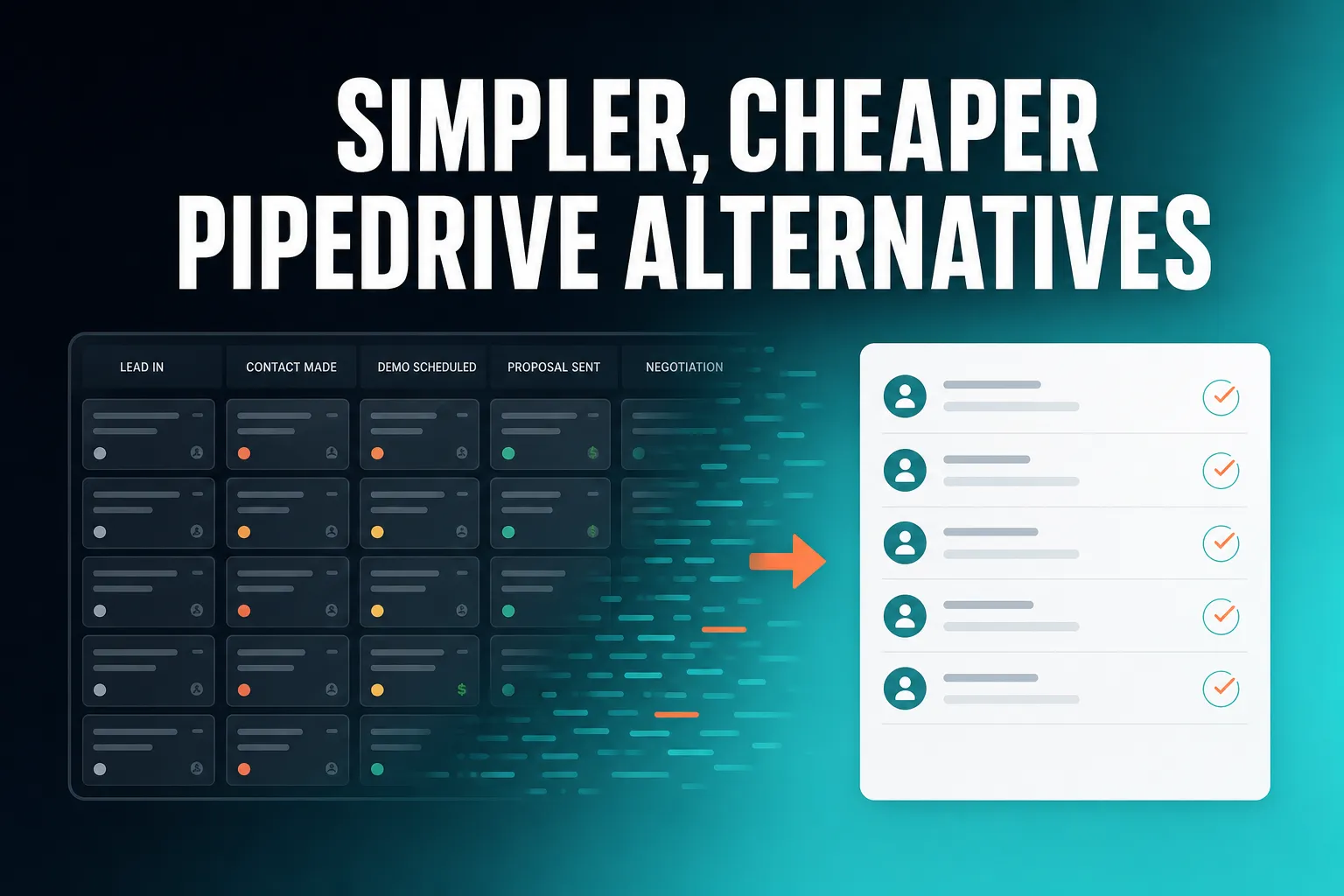
The simplest alternatives to Pipedrive are usually CRMs that drop the deal pipeline and build around contacts, follow-ups and a daily list of what needs attention. AICRM is one of them: it starts at $29 a month with no per-seat charge, and its Daily Brief surfaces what needs attention so you do not have to go looking.
It is not a like-for-like pipeline swap, though. AICRM has no deal stages, so it suits founders, consultants, small-business owners and small teams who care more about customers, follow-ups and campaigns than about moving deals across a board. If you run a staged sales process, Pipedrive may well still be the better fit.
What's easier to use than Pipedrive?
Pipedrive is a well-regarded sales CRM, so 'easier' usually means a different kind of tool rather than a simpler copy of the same one. CRMs that skip the deal pipeline and centre on contacts, reminders and a daily to-do list take less effort to run. Conversational ones, such as AICRM, go further by letting you update records by talking instead of filling in fields.
Why a pipeline CRM can feel heavy
A pipeline CRM is built around deals. Each one needs a value, an owner and a stage, and someone has to keep dragging it along the board. That is worth it if you sell in clear stages and need to forecast. It is overhead if you mostly look after existing customers, run a consultancy, or sell in a way that does not fit neat stages.
A common frustration with any CRM is not that the software is hard. It is that it only stays useful if you keep feeding it, and when you get busy, you stop.
Three kinds of simpler
- Contact-first CRMs. They store people and companies, notes and reminders, and leave out deals entirely. Less setup, fewer screens.
- Lightweight relationship CRMs. They focus on keeping track of who you know and when you last spoke. Good if you mainly need a tidy address book with memory.
- Attention-led CRMs. They work out what needs doing and tell you, so you are not hunting through lists. This is where AICRM sits.
A concrete example
Imagine a three-person consultancy with a few hundred contacts. They have been using a pipeline CRM, but most of the deals board is stale because nobody has time to move cards. What they actually need is to know who to chase this week, remember what was said last time, and send the occasional update to past clients. A pipeline adds little for them. A contact-first tool with reminders does the job.
How AICRM handles it
When you open AICRM, the dashboard shows a Daily Brief computed live from your data: follow-ups due or overdue, emails awaiting a reply, open tasks, new company news and role changes, known contacts back on your website, and customers with no contact in 90 or more days. It is also emailed to you at 7am on weekdays in your timezone (you can switch that off in Settings), and skipped when there is nothing to act on.
You can then act by talking. The voice agent is a live conversation in the browser: you say something like 'Log a call with Priya, she wants a demo next week', it restates what it will do, and it only runs the change once you confirm.
What makes a CRM easy to use in the first place?
A CRM is easy to use when it asks for very little data entry, shows you what to do today without searching, and lets you act on what you see in a step or two. Setup time matters too. If it takes weeks to configure before it helps, many small teams give up before it pays off.
What to look for
When you test any CRM, check these five things:
- How much do you type? Count the fields needed to add a contact and log a call.
- Does it tell you what to do today? A list of due follow-ups beats a database you have to query.
- Does it catch follow-ups for you? Some tools read dates out of notes, calls and emails you log. Others rely on you setting a reminder by hand.
- How quickly can you import? Moving your existing contacts in should not mean renaming spreadsheet columns.
- Can you stop at the level you need? A good small-business CRM should not force you to fill in deal fields you never use.
The trade-off
Simpler usually means fewer controls. A tool with no deal stages cannot give you a stage-by-stage forecast. That is a fair price if you never used forecasting, and a deal-breaker if you did. Decide which you are before you switch.
How AICRM handles it
Each contact can have a next follow-up date with a reason. You can set it by hand, ask the agent to set it, or let AICRM pick it up from a call, meeting, note or email you log, for example 'call me after the 15th' or 'I'll send it Friday'. Due and overdue follow-ups appear in the Daily Brief with that reason. If you log a conversation that has no new follow-up in it, AICRM marks the due one as done.
One limit to be clear about: AICRM only reads follow-ups from conversations logged in AICRM (notes, calls and meetings logged there, and emails sent from AICRM or BCC'd or forwarded to it). It does not listen to your calls or read your inbox.
What is an affordable alternative to Pipedrive?
AICRM is one affordable option: Starter is $29 a month (120 voice-agent minutes, up to 2,000 contacts), Growth is $79 (400 minutes, up to 5,000 contacts) and Power is $149 (600 minutes, up to 20,000 contacts). All plans include the full CRM, and there is no per-seat charge. Whether it is cheaper for you depends on how many people use it and what you need.
Compare the pricing model, not just the headline number
A low monthly price per user stops looking low when four people need access. Before you compare tools, check:
- Whether you pay per user or per account.
- Whether features you need, such as email campaigns, automation or web forms, are on every plan or only on higher ones.
- Where the contact limit sits, and what happens when you pass it.
- Whether there are usage-based extras.
Check Pipedrive's current pricing page against your team size and the features you need. Pricing changes often, so compare live figures rather than relying on any article, including this one.
A concrete example
Take a team of four who want contacts, segments, email campaigns, forms and basic automation. On a per-seat model, the monthly cost is the per-user price multiplied by four, plus any add-ons. On AICRM, the plan is chosen by contact count and voice minutes, not headcount. If the four of you stay under 2,000 contacts and 120 voice minutes between you, Starter at $29 a month covers all four.
How AICRM's pricing works
Every AICRM plan includes the same features: contacts, segments, campaigns, automation, forms, web tracking, Prospects company identification, calendar and booking pages, and analytics. The plans differ only in monthly voice-agent minutes and contact limits. Voice minutes beyond your bundle are billed at $0.15 a minute, with a $2 a day safety cap. Segments, campaigns, automation and the rest of the CRM have no usage limit and no per-seat charge.
There is a 7-day free trial with full features. A card is required up front, but you are not charged until the trial ends. Full details are on the pricing page.
Other cheaper routes
Some CRMs offer free or very low-cost tiers, and some small-business tools are known for flat pricing and simplicity. Check each one's current limits on contacts, users and features, because those are where the real cost shows up.
How does AICRM compare with Pipedrive?
Pipedrive is built around a visual deal pipeline for teams that sell in stages. AICRM is built around contacts, lifecycle stages, lead scores, segments, tasks and campaigns, with a Daily Brief that surfaces what needs attention. They overlap on basic contact management but are aimed at different ways of working.
| Pipedrive | AICRM | |
|---|---|---|
| Built around | Deals moving through pipeline stages | Contacts, lifecycle stages, segments and tasks |
| Main working view | Pipeline board | Daily Brief and contact records |
| Deal stages and deal values | Yes, core to the product | No |
| Follow-ups | Activities and reminders tied to deals | Follow-up dates on contacts, due items surfaced in the Daily Brief |
| Marketing side | Check current plans and add-ons | Email campaigns with A/B testing, segment-triggered automation, forms and web tracking included |
| Pricing | Check Pipedrive's current pricing page | $29, $79 or $149 a month by voice minutes and contacts, no per-seat charge |
| Best for | Sales teams managing a staged pipeline | Small teams and solo operators who want to stay on top of customers with less admin |
Where does AICRM fit if customer communication and campaigns matter?
Pipedrive starts from the deal and asks where it is in the process. AICRM starts from the contact and asks who needs attention. That makes it a natural fit where customer communication, lifecycle and campaigns matter as much as closing: you can build a segment such as customers with no contact in 90 days, then set up an automation that sends a re-engagement email when someone enters it.
It is also relevant if you are not a marketer at all. Consultants, founders and owner-managed businesses may prefer a contact-led tool simply because their work is relationships, not pipelines.
Can AICRM replace a deal pipeline?
No. AICRM has no sales deal pipeline and no deal stages. What it offers instead is lifecycle stages on each contact, lead scoring from rules you set, segments, and follow-up tasks with due dates. For many small teams that covers what they actually used deals for, but it will not replicate forecasting or deal-value reporting.
How the pieces map across
- Deal stage becomes lifecycle stage. A contact moves from lead to customer, for example, rather than a deal moving from proposal to won.
- Deal priority becomes lead score. You set rules in Settings, such as job title, industry, company size, location, source, recency, email opens and site visits, and the score updates when one of those events happens. Manual adjustments sit on top with a reason attached.
- Next step on a deal becomes a follow-up or task. Each has a due date, and due ones appear in the Daily Brief.
One detail worth knowing: when you ask AICRM 'what needs my attention?', it returns one ranked list from Daily Brief data, with overdue follow-ups and hot signals first. It does not rank that list by lead score. Lead score is a separate tool you can use to list your top contacts.
When should you stay with Pipedrive or choose something else?
Stay with Pipedrive, or pick another pipeline CRM, if you have a sales team that manages deals through stages, reports on deal value, or forecasts revenue. A contact-led tool will feel like a step backwards if the pipeline is how you run the business.
Signs a pipeline CRM is the right tool
- Several salespeople work deals at the same time and need to see who owns what.
- You track deal values and want stage-by-stage forecasts.
- Your sales process has clear, repeatable stages.
- You make a lot of outbound calls and want calling built into your CRM. Check that any tool you pick offers it: AICRM has no phone dialler, SMS or calling features.
Other alternatives worth a look
The CRM market is crowded, and several tools have their own take on next actions and follow-ups. HubSpot, Zoho and monday CRM are broader platforms with a lot of depth if you can handle the extra complexity. Close is built with sales teams in mind. Attio and folk focus on relationships and flexible data. Less Annoying CRM is known for keeping things simple. Breakcold is another option for relationship-style selling. Each is worth a trial against your own contacts.
What AICRM adds is a specific angle: it surfaces what needs your attention and then lets you act on it in the same conversation. If that is the problem you have, it is worth testing. If it is not, one of the others will probably suit you better.
How do you move from Pipedrive to a simpler CRM?
Export your contacts as a CSV, import them into the new tool, decide how your deal stages translate, and run both side by side for a short while. The riskiest part is not the data transfer. It is deciding what you will stop tracking.
A practical sequence
- Export your contacts from Pipedrive as a CSV. Keep a copy of your deal data separately in case you want to refer to it.
- Import into AICRM. CSV import maps fields to your headers automatically, reports failed rows individually so one bad row does not sink the batch, and detects duplicates by email so a re-import does not create copies.
- Translate your stages. Decide which lifecycle stage each group of contacts belongs in, and build segments for them.
- Set up lead scoring rules if you want a ranked view of your best contacts.
- Add follow-ups for the contacts you are actively chasing, so they show up in the Daily Brief from day one.
- Connect forms and booking pages if you want new enquiries to land in the same place.
The 7-day free trial gives you full features, so you can do steps 1 to 5 on your real data before deciding. If you would like to see it first, there is a demo, and you can get in touch with questions about a plan.
What should you do next?
If you are paying for a pipeline you do not really use, try a contact-led tool for a week. Import a CSV of your contacts, ask what needs your attention, and see whether the Daily Brief tells you more than your current board does. Read the full list on the Features page, or start the 7-day free trial (a card is required up front, with no charge until it ends).
If your honest answer is that you need deal stages and forecasting, stay with a pipeline CRM. Choosing the right kind of tool matters more than choosing the cheapest one.
Frequently asked questions
What's easier to use than Pipedrive?
CRMs that drop the deal pipeline and centre on contacts, reminders and a daily list of what to do are usually simpler to run. AICRM is one example: it has a Daily Brief showing follow-ups, unanswered emails and tasks, and you can update records by talking to the voice agent. It trades deal stages for simplicity, so it suits teams that do not need a staged pipeline.
What is an affordable alternative to Pipedrive?
AICRM is one option, at $29, $79 or $149 a month depending on voice-agent minutes and contact limits, with no per-seat charge. Other CRMs offer free or low-cost tiers, so compare current limits on users, contacts and features. Check Pipedrive's own pricing page for its up-to-date prices, as they change.
Does AICRM have a deal pipeline like Pipedrive?
No. AICRM has no deal pipeline or deal stages. It uses lifecycle stages, lead scores, segments, tasks and campaigns instead, which cover what many small teams used deals for. If you need deal values and stage-based forecasting, a pipeline CRM is the better choice.
Is there a free trial for AICRM?
Yes. AICRM offers a 7-day free trial with full features. A card is required up front, but you are not charged until the trial ends.
Can I import my Pipedrive contacts into AICRM?
You can export your contacts from Pipedrive as a CSV and import that file into AICRM. Import maps fields to your CSV headers automatically, reports failed rows individually, and detects duplicates by email. Deals do not come across as deals, because AICRM has no deal pipeline, so you would map them to lifecycle stages or follow-up tasks.
Who should not switch from Pipedrive to AICRM?
Teams that rely on a visual deal pipeline, track deal values, forecast by stage, or make many outbound calls should probably stay with a pipeline-first CRM. AICRM has no phone dialler, SMS or calling features. It fits better for small teams, founders and consultants who want to stay on top of customers with less admin.