Passive CRM vs Proactive CRM: What's the Difference?
A passive CRM waits for you to look. A proactive CRM tells you what needs attention and what to do next. Here is how they differ and what to look for.
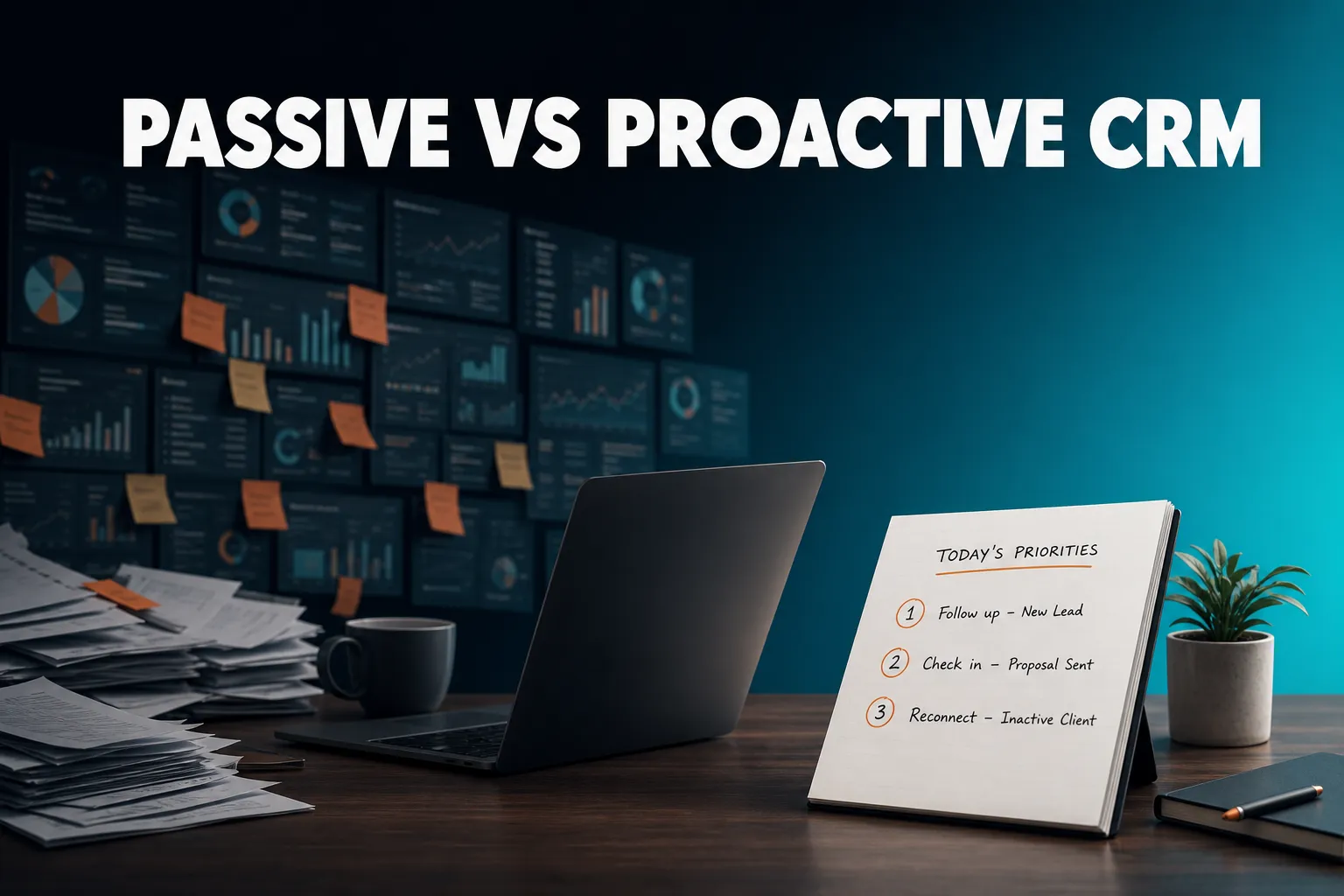
A passive CRM stores customer information and waits for you to open it, search it and decide what to do. A proactive CRM does the noticing for you: it works out which follow-ups are due, which emails went unanswered and which customers have gone quiet, then shows you a short list with the reasons. Most CRMs now sit somewhere between the two, so the useful question is how much of the noticing the system does and how easily you can act on it.
What is the difference between a passive CRM and a proactive CRM?
A passive CRM is a database: it holds contacts, notes and tasks, and tells you something only when you go and look. A proactive CRM monitors that data for you, decides what needs attention, and surfaces it with the reason and the context, ideally with a way to act straight away. The difference is who does the noticing: you or the system.
The easiest way to see it is to look at a normal Monday morning. With a passive CRM you open the dashboard, filter contacts by last activity, check your task list, scan your inbox for anything unanswered, and try to remember who said they would be ready after the 15th. By the time you have worked out what matters, a chunk of the morning has gone, and anything you forgot to look for stays forgotten.
With a proactive CRM, you open one list. It says: these three follow-ups are due, this email has had no reply for three days, this customer's company just announced funding, and these people have not been contacted for months. You still decide what to do. You just did not have to go hunting.
| Passive CRM | Proactive CRM | |
|---|---|---|
| Who notices what needs doing | You | The system |
| Follow-ups | Reminders you remember to set | Set by hand or picked up from logged conversations, then surfaced when due |
| Quiet customers | A report you have to run | Flagged without you asking |
| New information about a contact | You check the record | Surfaced with a reason |
| Start of your day | Open dashboards, filter, scan | Read a short list |
| Main risk | Things are quietly forgotten | Noisy alerts if badly tuned |
Is passive always bad?
No. A passive CRM is a perfectly good system of record, and for a team with strict habits, a dedicated person managing the pipeline and a lot of custom reporting, it can be exactly right. The trouble comes when the people using it are busy. Founders, consultants and small-business owners rarely have time to audit their own CRM, so the follow-up that never gets sent is usually the one nobody was reminded about.
It is a spectrum, not a switch
Very few tools are purely passive any more. Task reminders, email notifications and activity feeds are common. The real question is what triggers them. A reminder you set yourself is still you doing the noticing. An alert the system generates because a follow-up came due, an email went unanswered or a contact changed jobs is the system doing it.
What CRM proactively alerts me instead of making me check dashboards?
Several CRMs, including HubSpot and Pipedrive, send reminders and notifications, and the depth varies, so check what actually triggers the alert. AICRM's approach is a Daily Brief: a live summary of follow-ups due, unanswered emails, open tasks, new signals and quiet customers, emailed at 7am on weekdays in your timezone whenever there is something to act on, and skipped when there is not.
That last detail matters more than it sounds. An alert system that sends something every day trains you to ignore it. One that stays silent when nothing needs doing earns attention when it does speak.
What AICRM's Daily Brief contains
When you open the dashboard, AICRM computes the brief live from your data. It covers:
- Follow-ups that are due or overdue
- Emails you sent from AICRM that are still awaiting a reply
- Open tasks
- New hot or warm signals, such as company news and role changes, since the last brief
- Recent contact activity
- Known contacts who came back to your website
- Recent campaigns and email drafts waiting to be sent
- A count of customers with no contact logged in 90+ days, or never
On Mondays the brief looks back three days so the weekend does not get lost. The same content is emailed to each user at 7am on weekdays. You can switch the email off in Settings.
What it does not do
There are no mobile push notifications. The alert arrives in your inbox and on the dashboard. If you want a buzz on your phone the moment something happens, that is not what this does. It is built around a calm start-of-day list rather than a stream of interruptions.
What to ask any CRM about alerts
- What triggers the alert: something I set up, or something the system detects?
- Where does it arrive: in the app only, by email, or as a push notification?
- Does it stay quiet when there is nothing to do?
- Does each item come with a reason, so I know why it is there?
- Can I turn it off, or change when it arrives?
Is there a proactive CRM that surfaces important customer activity automatically?
Yes, and several CRMs do this to varying degrees. HubSpot, Pipedrive, folk, Close, Attio, Breakcold, monday CRM and Less Annoying CRM all offer some mix of reminders, activity feeds, notifications or suggested actions. AICRM's angle is to watch for specific events across your contacts, rank them in one list, and let you act in the same conversation.
What counts as important customer activity depends on the business. For a consultant it might be a client's company announcing a funding round. For a small agency it might be a prospect revisiting the pricing page. For someone running a customer base it might be a long-standing customer who has gone silent. A proactive CRM should be able to surface all of these without you building a report for each.
What AICRM watches
Company news and job changes. A rate-limited enrichment pass checks your contacts for company news (funding, hiring, launches, awards) and job title changes, roughly 100 contacts a week. Each signal is tiered Hot, Warm or Monitor, and the ones that matter come with a drafted outreach message rather than just a headline. Signals log to the contact's timeline and can be turned into a segment.
Website activity. If a contact who has already submitted one of your forms comes back to your site, AICRM recognises them and flags it. Anonymous visitors are different: they are identified at company level only, through reverse IP lookup, with consumer internet providers excluded. It does not tell you which individual person was browsing.
Unanswered emails. For one-to-one emails sent from AICRM, after three days with no reply, call or meeting, the contact shows as awaiting a reply in the Daily Brief, for up to 14 days. This does not cover campaign or automation emails, or emails sent from your own inbox.
Quiet customers. Contacts with no contact logged in 90 days or more (you can change the number of days) can be found by the agent and turned into a segment.
A concrete example
Imagine a consultant with 150 contacts. One client's company announces a funding round, a prospect who filled in a form last month visits the services page, and an email sent on Friday gets no reply. In a passive setup, none of that is visible unless she happens to check three different places. In AICRM, the returning prospect and the unanswered email show up in the Daily Brief with their reasons, and the funding news appears as a signal once the enrichment pass picks it up, which happens on a rolling weekly cycle rather than instantly.
The honest limit
A proactive CRM can only surface what it can see. AICRM only reads follow-ups and activity from conversations logged in AICRM: notes, calls and meetings logged there, and emails sent from AICRM or BCC'd or forwarded to it. It does not listen to calls or read your inbox. If your real conversations happen elsewhere and never get logged, nothing proactive can happen on top of them. That is true of any tool in this category.
Is there a CRM that recommends the next action for each customer?
Yes, several CRMs do, and they take different approaches: reminders tied to a pipeline stage, AI-suggested actions, scheduled sequences, or a prioritised task list. AICRM does not predict the single best action per customer. It surfaces what needs attention, with the reason, in one ranked list, and then helps you act on it.
It helps to separate four common approaches, because they solve slightly different problems:
- Stage-based next steps. The CRM suggests the next task based on where a deal sits in a pipeline. This works well for structured sales processes with defined stages.
- Sequences and cadences. A pre-set series of emails and tasks runs when a contact is enrolled. Good for repeatable outreach, less good for judgement calls.
- AI-suggested actions. The system recommends who to contact or what to say, based on activity patterns. Quality depends on how much data it has.
- Attention lists. The system gathers what is due, overdue or changed, and presents it in priority order with a reason.
Most CRMs mix these. It is worth checking which one you are actually getting, rather than assuming a feature labelled next best action means the same thing everywhere.
How AICRM does it
AICRM follows an attention, context, action pattern. Ask the agent "what needs my attention?" or "what should I do next?" and it returns one ranked list from the Daily Brief data: overdue follow-ups and hot signals first, then follow-ups due today, unanswered emails, contacts back on the website, then warm signals and tasks. Each item comes with its reason. It does not rank these by lead score.
Lead scoring exists separately. You set rules in Settings (job title, industry, company size, location, source, recency, email opens, site visits), the score recalculates when one of those events happens, and the agent can list your top contacts by score. So the two answer different questions: the attention list says what is time-sensitive, and the score says who looks most promising.
Follow-ups work the same way. Each contact can have a next follow-up date with a reason, set by hand, by asking the agent, or picked up automatically from something you logged, such as a note saying "call me after the 15th" or an email saying "I'll send it Friday". When it comes due, it shows in the brief with that reason. Log a conversation that contains no new follow-up and the due one is marked done.
Turning the next action into an actual action
A recommendation is only useful if acting on it is easy. You can ask the agent to draft follow-ups for your top three contacts. It saves a plain-text draft on each contact without sending anything. Drafts appear on the contact and in the Daily Brief, and you review, edit and send or discard them. The agent only sends when you explicitly ask it to, after confirming. Drafts are one-to-one only: there is no scheduled send, and they do not appear in your Gmail or Outlook drafts folder.
What CRM works like a customer relationship assistant?
A CRM that works like an assistant lets you ask what needs attention, gives you the background on a customer, and then does the admin when you say so. AICRM does this through a live voice agent in the browser: you talk, it confirms what it is about to do, then it acts. It is one option among several, and it fits some working styles better than others.
The assistant idea is really about reducing admin. Instead of clicking through forms to add a contact, log a call and create a follow-up task, you say what happened and the system records it.
What the AICRM agent can do
The agent has real write access, not just search. Its capabilities include creating and updating contacts, logging calls, emails and meetings, assigning owners, building and editing segments, managing tasks, scheduling calendar events, drafting and sending one-off emails, drafting campaigns and building automation workflows. Every change is restated and confirmed before it runs, and factual answers come from live lookups rather than guesses.
A short example: you say, "Log a call with Priya, she wants a demo next week." The agent logs it and asks whether you want a follow-up task set or her calendar checked for next week. One spoken sentence does the work of several forms.
Where it does not fit
It is a live, real-time conversation, not a recorder. AICRM does not transcribe recorded voice notes or voicemails, does not listen to your calls, and has no phone dialler or SMS. If you want something that records and summarises sales calls, you need a different tool alongside it, or instead.
Voice also uses minutes. Starter includes 120 voice-agent minutes a month, Growth 400 and Power 600, with extra minutes billed at $0.15 a minute and a $2 a day safety cap. If you would rather click than talk, the rest of the CRM still works normally, but the conversational side is the main point of difference.
What should you look for in a proactive CRM?
Look for what the system watches, how it ranks what it finds, how easily you can act on it, and how it avoids becoming noise. A proactive CRM that surfaces too much is as bad as a passive one that surfaces nothing, because both leave you doing the filtering yourself.
A practical checklist:
- Coverage. Which events does it actually detect: overdue follow-ups, unanswered emails, inactivity, website visits, company news, job changes? Ask for the list.
- Reasons attached. Each item should say why it is there. A bare list of names is just another report.
- Easy capture. Proactivity depends on data. If logging a call takes a minute of clicking, you will skip it, and the system will have nothing to work from.
- Action in the same place. Can you draft, send, create a task or reschedule from the alert, or do you have to go elsewhere?
- Control. Can you review before anything is sent? Can you switch emails off, change thresholds and set your own scoring rules?
- Honest limits. Does the vendor say clearly what it cannot see, such as emails sent outside the system?
The trade-offs
Proactive systems depend on you feeding them. If you never log conversations, there are no follow-ups to surface. They also involve judgement calls about thresholds: three days without a reply is a sensible default for some relationships and too short for others. And an automated draft is a starting point, not a finished message, so you still need to read it before it goes out.
When is a different CRM the better choice?
If your team needs a sales deal pipeline, a different CRM is the better choice. AICRM has no deals or deal stages. It is built around contacts, lifecycle stages, lead scores, segments, tasks and campaigns. For many small teams, lifecycle stages and follow-up tasks cover what they would otherwise use deals for, but if you need forecasting by stage and value, look elsewhere.
Some clear cases where another tool is likely to suit you better:
- Larger sales teams that need pipeline management, deal forecasting and heavy customisation. HubSpot, Salesforce, Pipedrive, Zoho and similar CRMs are built with that in mind.
- Teams already settled in a CRM with next-action features that work for them. Switching costs are real, and a well-used passive CRM beats a poorly adopted proactive one.
- Call-heavy sales teams that need dialling, call recording and SMS built in.
- Teams who need deep integrations beyond what AICRM names: Google Calendar, email logging, CSV import and export, embeddable forms and booking pages.
AICRM fits best for founders, consultants, small-business owners and small teams who want to stay on top of customers with less admin. There is no per-seat charge, and plans start from $29 a month, with every plan including the full CRM and differing in voice minutes and contact limits.
What is a sensible next step?
If missed follow-ups and "who should I contact next?" are your problem, test it on your own data rather than judging from a description. Import a CSV, log a few real conversations, and see what the Daily Brief tells you after a few days. AICRM has a 7-day free trial with full features. A card is required up front, but you are not charged until the trial ends.
You can see everything the Daily Brief, signals and agent do on the Features page, check the plans on the Pricing page, or watch the demo first.
Frequently asked questions
What is the difference between a passive CRM and a proactive CRM?
A passive CRM stores customer data and only helps when you open it and look. A proactive CRM monitors that data and tells you what needs attention, such as due follow-ups, unanswered emails or customers who have gone quiet, usually with the reason. The core difference is whether you or the system does the noticing.
What CRM proactively alerts me instead of making me check dashboards?
Several CRMs offer reminders and notifications, so check what triggers them. AICRM computes a Daily Brief live on the dashboard and emails it at 7am on weekdays in your timezone when there is something to act on. It does not send mobile push notifications.
Is there a CRM that recommends the next action for each customer?
Yes, several do, using pipeline stages, sequences, AI suggestions or prioritised task lists. AICRM returns one ranked list of what needs attention, each item with its reason: overdue follow-ups and hot signals first, then due follow-ups, unanswered emails, website returns, warm signals and tasks. It does not rank that list by lead score.
What CRM works like a customer relationship assistant?
A CRM that works like an assistant lets you ask what needs attention and have it do the admin. AICRM has a live voice agent in the browser that can log calls, create tasks, build segments, schedule meetings and draft emails, confirming each change before it runs. It does not transcribe recorded voice notes or listen to your calls.
Does AICRM have a deal pipeline?
No. AICRM has no sales deal pipeline or deal stages. It uses contacts, lifecycle stages, lead scores, segments, tasks and campaigns, which cover what many small teams use deals for. Larger sales teams that need deal forecasting would be better served by a CRM built around a pipeline.
Will AICRM read my inbox to find follow-ups?
No. AICRM only picks up follow-ups from conversations logged in it: notes, calls and meetings logged there, and emails sent from AICRM or BCC'd or forwarded to it. It does not read your inbox or listen to calls.