How to Identify the Companies Visiting Your Website
Reverse IP lookup shows which companies visit your website, not which people. Here is how it works, its limits, and which CRM can do it for you.
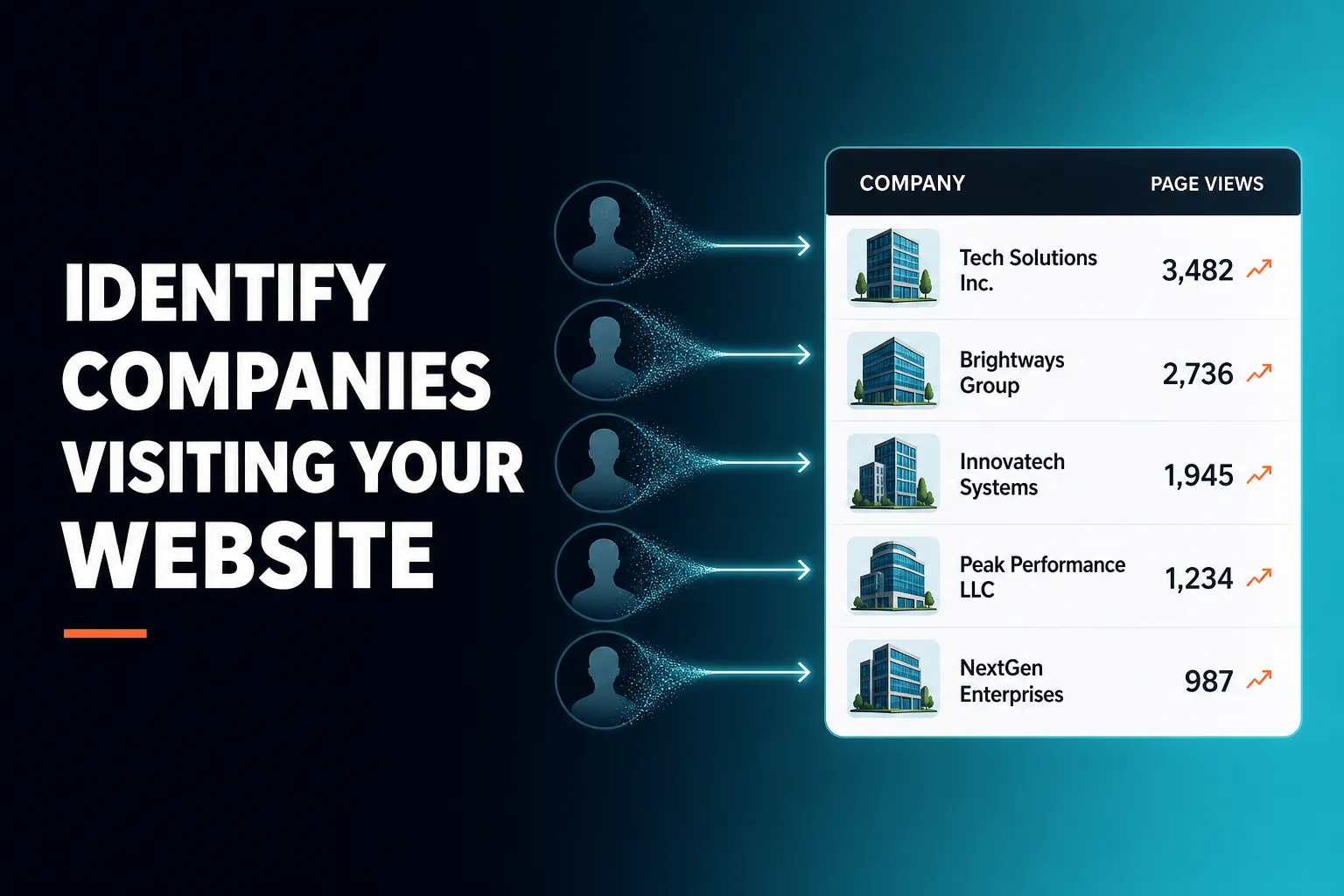
You can identify the companies visiting your website with reverse IP lookup, which matches a visitor's IP address to the organisation that owns it. It works at company level only: it cannot tell you which individual person was browsing, and it skips consumer internet providers because those addresses point to households, not businesses. AICRM includes this as Prospects on every plan, alongside recognising known contacts when they come back after filling in a form.
This guide explains how it works, what it can and cannot tell you, which kinds of CRM do it, and what to do with the results.
How can I identify companies visiting my website?
Add website tracking to your site and use a tool that runs reverse IP lookup on each visit. The tool matches the visitor's IP address to the organisation that owns that network, removes consumer internet providers, and shows you a list of companies with details of their visits and when they happened. You see the business, not the person.
In practice, the process looks like this:
- Switch on tracking. Visitor identification needs website tracking in place so visits are recorded.
- Let the data build. A handful of visits will not tell you much. Give it a few weeks, depending on your traffic.
- Review companies and activity together. A company with several page views means more than one that landed once and left.
- Decide what to do. Check whether the company is already a customer or contact, whether it is a good fit, and whether someone should reach out.
A simple example: a manufacturing firm shows up with four page views from direct traffic. You do not know who browsed. But you can check whether you already know anyone there, and if you do, that is a good reason to get in touch.
How does reverse IP lookup work, and what are its limits?
Reverse IP lookup takes the IP address a visitor connects from and checks which organisation it is registered to. If that organisation is a business, you get a company name. If it is a consumer internet provider, there is no useful company to show, so a well-built tool excludes it rather than listing the provider.
That explains most of the limits:
- Home workers are mostly invisible. Someone browsing from home broadband resolves to a consumer provider, so it is excluded.
- Mobile networks are usually the same. Visits on a phone connection generally do not resolve to the visitor's employer.
- VPNs hide the source. If someone routes traffic through a VPN, you see the VPN, not their company.
- Shared offices blur the picture. In a co-working space, the address may point to the building operator rather than the visitor's own business.
- It is one person's visit, not the whole company's interest. A single visit from a large company tells you very little about who was browsing or why.
So treat the list as a partial view of your traffic: useful, but incomplete. Absence from the list does not mean a company has not visited.
What CRM shows which companies visit my website?
Several kinds of tool can show this. Some CRMs include company identification built in, some larger marketing and sales platforms offer it (often depending on the plan), and standalone visitor identification tools can sit alongside any CRM. AICRM shows the companies behind anonymous visits through its Prospects feature, included in every plan.
The main approaches compare like this:
| Approach | Good for | Trade-off |
|---|---|---|
| Built into a CRM (such as AICRM) | Small teams who want visits, contacts and follow-ups in one place | Company-level only, and depth varies from product to product |
| Standalone visitor identification tool plus your CRM | Teams that want a specialist tool and already have a CRM they like | Two systems to pay for, connect and check |
| Large marketing or sales platform | Bigger teams with account-based marketing programmes | Can mean more cost and set-up effort, and what you get may depend on the plan |
Check the current plan details of any tool you consider, because what is included changes. The more useful question is not only whether the tool can show a company name, but what happens next. A list of companies that nobody looks at is just another report.
Which CRM can identify anonymous website visitors?
A CRM can identify anonymous visitors at company level using reverse IP lookup. It cannot reliably name an individual who has not identified themselves. If a tool claims to name every anonymous person, ask exactly how, because the honest routes are a form submission, a tracked email link or a contact who is already known to you.
It helps to separate three levels:
- Anonymous, company level. You see which business was on your site, from reverse IP lookup. No individual is named.
- Known contact returning. Someone has already submitted a form, so when they come back, you can tell it is them.
- Known contact with history. Their form submission is tied to their browsing history, including the first-touch source, so you see how they found you.
AICRM covers all three. Prospects reverse-identifies the companies behind anonymous traffic, with consumer ISPs excluded. Embeddable forms tie every submission to the visitor's browsing history, first-touch source included. After that, a known contact who returns is recognised, and their page views appear on their timeline. What AICRM does not do is identify an individual anonymous person. If you need that, no honest company-level tool can provide it.
What CRM helps identify prospects from website traffic?
The most useful CRM for this connects website visits to contacts, follow-ups and next actions, not just a list of company names. AICRM does this by showing companies circling your site before they fill in a form, then surfacing known contacts who return in your Daily Brief so you can act while the interest is fresh.
Here is how that works in AICRM, step by step.
Before a lead converts
Prospects lists the companies behind anonymous site visits, so you can see who is circling before anyone fills in a form. An entry might read: Acme Manufacturing, four page views, direct traffic, last seen today. That tells you which company, how much activity, where the traffic came from and how recently.
After a form submission
When someone submits one of your embeddable forms, the submission is tied to their full browsing history, including first-touch source. The contact record then has the context you need: where they came from and what they looked at before getting in touch.
When a known contact comes back
Known contacts who return to your website appear in the Daily Brief, alongside follow-ups due, emails awaiting a reply and new signals. The brief is computed live when you open the dashboard, and it is emailed at 7am on weekdays (in your timezone) when there is something to act on. You can also ask the agent "what needs my attention today?" and get one ranked list that includes contacts back on your website, each with its reason.
Then act on it
If a contact has been back to your site, you can ask the agent to draft a follow-up. It saves a plain-text draft on the contact, and nothing is sent until you review, edit and send it. Site visits can also feed lead scoring, since you can add them to your scoring rules in Settings.
This is the Attention, then Context, then Action idea in practice: the CRM notices, shows you the history, and helps you do something about it.
What should I look for in a visitor identification tool?
Look for honesty about what the tool identifies, filtering of consumer internet providers, page-level detail, a link to your contact records, clear privacy handling and transparent pricing. A tool that shows a company name and nothing else will give you data without a next step.
A short checklist:
- Clear scope. Does it say plainly that it identifies companies, not individuals? Vague promises are a warning sign.
- Consumer ISPs excluded. Otherwise your list fills with internet provider names that tell you nothing.
- Activity and timing. You need to see how much activity there was and when, not just a name.
- A route to action. Can you connect a visit to a contact, a task or a follow-up, or does it sit in a separate dashboard?
- Who is already known. The tool should help you tell new companies from existing customers and contacts.
- Privacy and consent. See the next section.
- Pricing you can predict. Per-seat or per-lookup charges can grow quickly. AICRM's plans include Prospects at every level, with pricing based on voice-agent minutes and contacts, and no per-seat charge.
It also helps to be realistic about volume. If your site gets modest traffic, a small, focused list you actually review beats a large one you ignore.
Is it legal to identify companies visiting my website?
Identifying business visitors is common, but you still need to handle privacy properly. IP addresses can count as personal data in the UK and EU, and tracking scripts often need consent depending on how they work. Check the rules that apply to you and update your privacy information. This is general guidance, not legal advice.
Sensible habits include:
- Describe what you track and why in your privacy policy.
- Check whether your cookie or consent set-up covers your tracking.
- Use the data to decide which businesses to approach, not to profile individuals.
- Take advice from a qualified professional if you are unsure.
Staying at company level is also simpler and more honest than trying to guess who an anonymous person was.
Where does AICRM fit, and where does something else fit better?
AICRM fits small teams, founders, consultants and small-business owners who want to see which companies are interested and not lose track of follow-ups, without much admin. Something else fits better if you need a deal pipeline, large-scale account-based marketing, or intent data from across the wider web.
AICRM is a good fit when:
- You want company-level visitor identification included in the CRM, not bought separately.
- You want website activity, follow-ups, tasks and signals in one daily view.
- You would rather ask the agent what needs attention than build reports.
Look elsewhere, or alongside, when:
- You run a sales team with deal stages. AICRM has no sales deal pipeline or deal stages. It is built around contacts, lifecycle stages, lead scores, segments, tasks and campaigns. For many small teams, lifecycle stages and follow-up tasks cover what deals would be used for, but large sales teams will usually prefer a CRM built around a pipeline.
- You run account-based marketing at scale. Larger platforms and specialist tools may offer deeper account-level tracking than AICRM's Prospects, which shows the companies behind anonymous visits with their page views and last-seen date.
- You need to identify individuals. AICRM does not identify individual anonymous people, and company-level tools in general cannot.
The right choice depends on how big your team is and how you sell. A larger tool is not automatically better for a small team, and a small tool is not enough for a large one.
What should I do next?
Start by deciding what you would do with a list of visiting companies. If the answer is "look at the best few each week and follow up", a CRM with Prospects and a Daily Brief will fit well.
AICRM has a 7-day free trial with full features. A card is required up front, but you are not charged until the trial ends. Plans start at $29 a month on Starter, and Prospects company identification is included on every plan. You can read the Features page for the full detail, check Pricing, or see the demo to watch it work before you start.
Frequently asked questions
What CRM shows which companies visit my website?
Several types of tool do, including CRMs with built-in visitor identification, larger marketing and sales platforms, and standalone tools used alongside a CRM. AICRM shows the companies behind anonymous visits through its Prospects feature, which is included on every plan. It shows the company name, page views and when they were last seen.
Which CRM can identify anonymous website visitors?
A CRM can identify anonymous visitors at company level using reverse IP lookup, but not as named individuals. AICRM does this and excludes consumer internet providers. It also recognises known contacts when they return after submitting a form, but it does not identify individual anonymous people.
How can I identify companies visiting my website?
Use a tool with website tracking and reverse IP lookup, which matches each visitor's IP address to the organisation that owns it. Review the companies alongside their activity, then decide whom to approach. Remember that home workers, mobile users and VPN users often will not appear.
What CRM helps identify prospects from website traffic?
Look for one that links website visits to contacts and next actions, not just a list of company names. AICRM shows companies circling your site before they fill in a form, ties form submissions to browsing history, and shows known contacts who return in the Daily Brief. You can then ask the agent to draft a follow-up for you to review.
Can reverse IP lookup tell me who exactly visited my site?
No. It tells you which organisation's network a visit came from, not which person was browsing. Anyone claiming to name every anonymous visitor is using different methods, so ask how it works before relying on it.
Why do some visitors not show up as companies?
Visitors on home broadband or mobile networks usually resolve to consumer internet providers, which are excluded because they point to households, not businesses. VPNs and shared offices can also hide or blur the company. A company-level list is a partial view of your traffic, not a complete one.