CRM Website Visitor Tracking: See Who's Really on Your Site
Which CRM tracks website activity? Learn how CRM visitor tracking works, what it can and can't identify, and how to choose one with it built in.
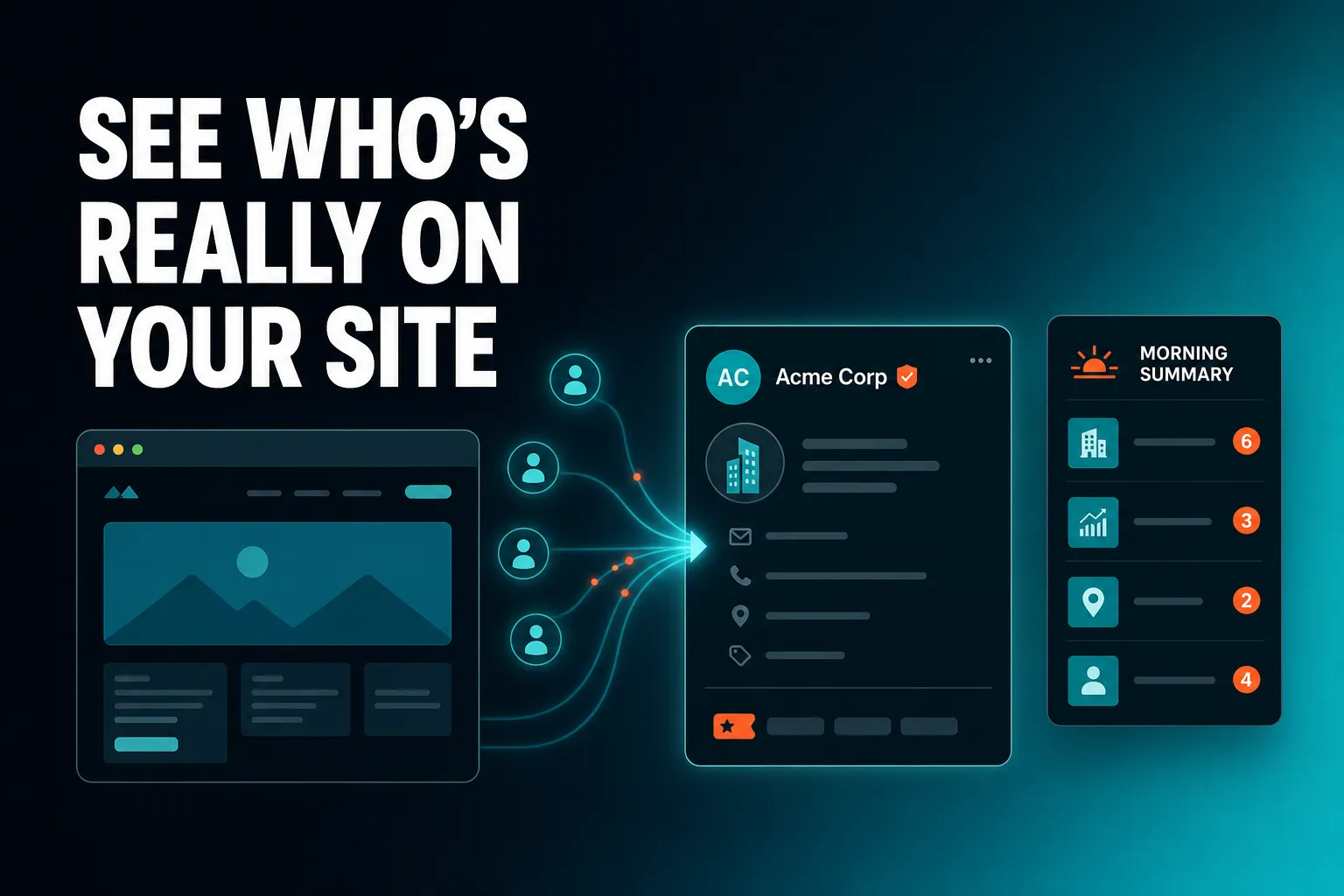
Several CRMs track customer website activity, and the right one depends on whether you want tracking built in or bolted on. AICRM is a CRM with built-in website tracking: forms tie each submission to a visitor's browsing history, known contacts are recognised when they come back, and anonymous visits are identified at company level. Larger platforms such as HubSpot also offer website tracking as part of a bigger suite, and separate analytics tools can feed a simpler CRM.
This guide covers what visitor tracking in a CRM does, how identification works, what it cannot do, how to choose, and where AICRM fits and where it does not.
What CRM tracks customer website activity?
A CRM that tracks customer website activity records which pages known contacts view and when they return, then shows that on the contact's record alongside emails, calls and notes. You can get this from a large marketing suite, from a small-business CRM with tracking built in, or from a separate analytics or visitor-identification tool connected to your CRM.
In practice there are three routes, and each suits a different kind of business.
Large marketing and sales suites
Platforms such as HubSpot and Salesforce (with its marketing products) can track website behaviour and tie it to contact records. They can do a great deal, but they are built with bigger teams in mind. What tracking is included can vary by product and plan, so check exactly what you would get before you commit.
Small-business CRMs with tracking built in
Some CRMs aimed at founders, consultants and small teams include forms and web tracking as part of the core product. AICRM is one of these. The appeal is simplicity: one subscription, one contact list, no syncing between tools.
Separate tools connected to a CRM
You can also use a web analytics tool for traffic and a visitor-identification tool for company names, then link the results to a CRM through an integration or a CSV import. This gives you flexibility, but you end up with more tools to pay for and more places to look.
An example: a consultant has a services page and a contact form. With a separate analytics tool, she can see how many people visited this month but not who they were. With tracking built into her CRM, she can open the record of someone who enquired and see that they read several pages before filling in the form, and which source brought them there.
What CRM combines website visitor tracking and contact management?
A CRM that combines the two writes web activity onto the same contact record that holds everything else you know about a person. AICRM does this: forms, imports, manual edits and the voice agent all write to one unified contact table, and page views appear on each contact's timeline next to calls, emails, meetings and notes.
The test is simple. Open a contact record and ask whether you can see the pages they viewed without leaving that screen. If you have to switch to a separate analytics tool, match an email address by hand and then come back, the two are not really combined. They are just two tools that happen to be open at once.
Why combining them matters
Visitor data on its own tells you what is popular. Contact data on its own tells you who people are. Together they tell you who is interested in what, right now. That is what turns a page view into a reason to get in touch.
- Context before you reach out. You know what someone has looked at before you write or call.
- Better prioritisation. Site visits can feed a lead score, so active people rise to the top.
- Less admin. Nobody has to copy information from one system to another.
An example: a small training company gets an enquiry through its web form. When the owner opens the contact, the timeline shows the pages the person viewed before submitting, the source they first arrived from, and the notes from last week's call. That is enough to write a relevant reply in a minute, rather than a generic one.
Is there a CRM with built-in website tracking?
Yes. Several CRMs include some form of website tracking, and AICRM includes it on every plan. Forms, web tracking and Prospects (company identification for anonymous visits) are part of Starter ($29 a month), Growth ($79) and Power ($149), with no separate tracking subscription.
When a vendor says tracking is built in, it is worth checking what that means. A useful definition has four parts:
- No separate subscription for the tracking itself, or at least a clear statement of which plan includes it.
- No sync step. Web activity lands on the contact record directly, not through a connector you maintain.
- One contact list. The person who filled in your form is the same person you emailed last week, not a duplicate.
- Visible results. You can see the activity in the places you already work, not only in a report you must remember to open.
Prices and plan structures change, so always confirm what a competitor includes on their own site. For AICRM, the Starter, Growth and Power plans differ in voice-agent minutes and contact limits (2,000, 5,000 and 20,000 contacts), not in which CRM features you can use. There is also a 7-day free trial with full features. A card is required up front, but you are not charged until the trial ends.
What does website visitor tracking in a CRM actually show you?
It shows which pages a person viewed, when they came back, and where they first came from. For people who have not identified themselves, it can show the company behind a visit. It does not show everything about everyone, and it works best as a prompt to look closer rather than a complete picture.
Here is what you can typically expect, with how AICRM handles each:
- Page views per contact. Every contact's timeline includes their page-view history alongside calls, emails, meetings and notes.
- First-touch source. When someone submits an embeddable web form, the submission is tied to their full browsing history, including where they first arrived from.
- Return visits by known contacts. When a contact you already know comes back to your site, it can appear in your Daily Brief.
- Company-level visits. The Prospects feature identifies the companies behind anonymous traffic, for example a manufacturer with four page views, direct traffic, last seen today.
- Overall site analytics. Traffic by source, top pages, device breakdown and contact growth, computed from your real data.
What it does not show
It does not give you a name for every anonymous visitor. It does not listen to calls or read your inbox. And it only knows what happens on pages where tracking is active. Setting that expectation early avoids disappointment later.
How does a CRM know who is on your website?
A CRM learns who someone is when they give you their details, usually by submitting a form, and from then on recognises them when they return. For people who never identify themselves, some tools look up the company behind the visit instead. These are two different mechanisms with different levels of certainty.
Known visitors: recognised after a form submission
A common approach across the industry is that a form submission links the person's email address to an identifier held in their browser. Pages they viewed before and after submitting can then be attached to their contact record. In AICRM, embeddable web forms tie every submission to the visitor's full browsing history, and known contacts are recognised when they return after submitting a form. The Features page does not describe the technical mechanism beyond that.
This is the most reliable kind of tracking, because the person told you who they were.
Anonymous visitors: company-level only
For visitors who have not filled in a form, tools use a reverse IP lookup to work out which organisation a connection belongs to. AICRM's Prospects feature does this and excludes consumer internet providers, so you see businesses rather than households. You get a company name and its page views, not a named individual.
An example: a regional logistics firm visits your pricing and services pages four times in a week without submitting anything. You will not know which person it was, but knowing the company is circling lets you send a considered message to a contact you already have there, or look for the right person to approach.
Can a CRM identify anonymous website visitors by name?
No CRM can reliably name an anonymous individual from a website visit alone. What is realistic is identifying the company behind some visits, and recognising people who have already given you their details. AICRM works this way: anonymous visitors are identified at company level only, and known contacts are recognised after a form submission.
Be cautious of any tool that promises to name every person on your site. There are good reasons the limits exist.
- Home and mobile connections. People browsing from home or on a phone connect through consumer providers, which cannot be tied to a business.
- Shared offices and VPNs. An address may point to a building, a provider or a shared network rather than the company you care about.
- Privacy rules. Identifying individuals without their knowledge raises serious data protection questions.
A sensible way to use company-level data is as a hint. It tells you where to look, not who to name in your next email. A line like 'I saw you were looking at our site' sent to a stranger is more likely to unsettle than to impress, so use the information to choose who to contact and what is relevant to them.
What should you look for in a CRM with website tracking?
Look for tracking that connects to contact records, is honest about what it identifies, feeds your prioritisation, and costs a clear amount. Then check that the CRM helps you act on what it finds. Tracking that nobody looks at is just data.
Here is a practical checklist:
- Activity on the contact record. You should see page views on the timeline, not only in a separate report.
- Clear identification rules. The vendor should say plainly what is identified at person level and what only at company level.
- Forms that capture source. Knowing where a lead first came from matters as much as what they did next.
- Scoring that uses behaviour. Site visits and recency should be able to influence who you contact first.
- A way to be told. Alerts or a daily summary save you from having to go looking.
- Segments. You should be able to group contacts by status and other criteria, then act on the group.
- A fair price with the cost visible. Know which plan includes tracking and how contact limits work.
- Importing your existing contacts. You want to bring your list in without hand-editing a spreadsheet.
Comparing the main approaches
| Approach | Best for | Trade-off |
|---|---|---|
| Small-business CRM with tracking built in | Founders, consultants and small teams who want one place for contacts and web activity | Less depth than a large marketing suite for complex, multi-team setups |
| Large marketing and sales suite | Bigger teams with dedicated marketing and sales operations and complex needs | More to learn and manage, and you need to check what tracking is included |
| Web analytics tool plus a separate CRM | People who mainly want traffic reporting and are happy to join the dots themselves | Visitor activity is not on the contact record unless you connect it |
| Standalone visitor-identification tool plus a CRM | Teams focused on account-based outreach to named companies | An extra subscription, and a hand-off between tools |
None of these is wrong. The best choice is the one your team will actually keep using.
What should you do with website visitor activity once you can see it?
Use it to decide who to contact, when and what to say. A returning contact, a visit from a company you are courting or a burst of page views can all justify a timely follow-up. The value is in the action, not the data, so choose a CRM that moves from seeing to doing.
AICRM is built around three steps: attention, then context, then action.
Attention: it comes to you
When you open AICRM, the Daily Brief on the dashboard is computed live. It includes known contacts who came back to your website alongside follow-ups due, emails awaiting a reply, open tasks, new signals and customers who have gone quiet. It is also emailed at 7am on weekdays in your timezone (you can switch this off in Settings), and skipped when there is nothing to act on. Monday covers the weekend.
There are no mobile push notifications, so the brief reaches you through the dashboard and by email.
Context: the contact record
Open the contact and their timeline shows the page views, calls, emails, meetings and notes together. You can see what they looked at and what you last said before you decide what to do.
Action: in the same conversation
AICRM's agent can create a follow-up task, log a call, or draft an email for you to review. Asking it to 'draft follow-ups for my top three contacts' saves a plain-text draft on each contact without sending anything. You review, edit and send from the contact. The agent only sends when you explicitly ask it to, after confirming. Drafts are one-to-one only, with no scheduled send, and they do not sync to your own Gmail or Outlook drafts folder.
Lead scoring also takes site visits into account, alongside job title, industry, company size, location, source, recency and email opens. The rules are yours to set in Settings, and the score recalculates when one of those events happens.
An example: you sent a proposal last week and have heard nothing. This morning your Daily Brief shows that contact has been back on your site. You open the record, see which pages they viewed, and ask the agent for a short follow-up draft that asks if they have questions. You edit one line and send it. The whole thing takes a couple of minutes, and you did not have to remember to check.
Is website visitor tracking allowed under UK rules?
Yes, but it comes with obligations. In the UK, non-essential cookies and similar technologies generally need consent, and the personal data you collect falls under UK GDPR. You will normally need a clear privacy policy and, where required, a cookie notice. This is general information, not legal advice, so check the Information Commissioner's Office guidance or ask an adviser.
A few practical points:
- Be open about it. Say in your privacy policy that you track website activity and why.
- Think about consent. If your tracking uses cookies that are not strictly necessary, work out how you will ask for permission.
- Collect only what you need. Do not capture more personal data than you will use.
- Review your forms. Make it clear what people are signing up to when they submit their details.
The Features page does not list cookie consent tools, so plan to handle your cookie notice and privacy policy yourself in the way that suits your site and your advice.
How does AICRM handle website visitor tracking?
AICRM combines embeddable forms, page-view tracking, company-level identification and the Daily Brief in a single CRM. Web activity lands on the contact record, feeds lead scoring, and shows up when a known contact returns. You can then follow up by asking the agent.
Here is the whole picture in one place:
- Embeddable forms. Each submission is tied to the visitor's full browsing history, first-touch source included, and the visitor becomes a contact automatically.
- Page-view history. It appears on every contact's timeline.
- Known-contact alerts. Contacts who return after a form submission can appear in the Daily Brief.
- Prospects. Company identification from anonymous site visits, using a reverse IP lookup with consumer ISPs excluded. It identifies companies, not individual people.
- Lead scoring and segments. Site visits can feed the score, and segments are live, so viewing a segment always shows who is in it right now.
- Analytics. Traffic by source, top pages, device breakdown and contact growth.
- Campaigns and automation. Email campaigns with A/B testing aimed at a segment, and automation that sends a campaign when a contact enters a segment.
All of this is included on every plan. Plans differ in voice-agent minutes (120, 400 or 600 a month) and contact limits (2,000, 5,000 or 20,000), while the rest of the CRM has no usage limit or per-seat charge. Voice minutes beyond your bundle are billed at $0.15 a minute with a $2 a day safety cap. The full list is on the Features page and the Pricing page.
What AICRM does not do here
It is worth being plain about the limits.
- It does not identify individual anonymous visitors. Company-level only.
- Its features list does not include session recordings or heatmaps.
- Its integrations are limited to what the Features page names: Google Calendar, email logging, CSV import and export, embeddable forms and booking pages.
- It has no deal pipeline or deal stages. It uses contacts, lifecycle stages, lead scores, segments, tasks and campaigns instead.
When is something other than AICRM the better choice?
Choose something else if you need a full deal pipeline, person-level identification, deep account-based marketing, session replay or a large multi-team setup. AICRM is built for founders, consultants, small-business owners and small teams who want to stay on top of customers with less admin, not for every case.
Some honest comparisons:
- Large sales teams that need a deal pipeline. If your process revolves around deals moving through stages, with forecasting and team-level reporting, a CRM such as HubSpot, Salesforce or Pipedrive is likely a better fit. AICRM's lifecycle stages and follow-up tasks cover what many small teams use deals for, but they are not a pipeline.
- Heavy account-based marketing. If you target a defined list of named accounts and need detailed intent data, a specialist visitor-identification tool alongside your CRM may serve you better.
- Detailed behaviour analysis. If you want to watch how people move around a page, a dedicated analytics or session-recording tool is the right addition.
- A big marketing operation. If several teams need complex automation and reporting across many channels, a larger suite gives you more room.
AICRM tends to fit when the main problems are knowing who needs attention, not forgetting a follow-up, remembering what happened last time, and cutting down CRM admin. Website tracking is one of the things that tells you where to look.
What is the next step?
The quickest way to find out whether it fits is to try it on your own data. AICRM has a 7-day free trial with full features. A card is required up front, but you are not charged until the trial ends. You can import your contacts from a CSV, add a form to your site and see who comes back.
If you would rather look first, read the Features page, compare plans on the Pricing page, or see it working on the demo page. If you have a specific question about your setup, you can get in touch.
Frequently asked questions
What CRM tracks customer website activity?
Several do, including large suites such as HubSpot and smaller CRMs with tracking built in. AICRM records page views on each contact's timeline, ties form submissions to browsing history and first-touch source, and identifies companies behind anonymous visits. The right choice depends on your team size, budget and how much you want to manage.
Is there a CRM with built-in website tracking?
Yes. AICRM includes forms, web tracking and Prospects company identification on every plan, from Starter at $29 a month. There is no separate tracking subscription, and web activity sits on the same contact record as your emails, calls and notes.
Can a CRM tell me exactly who visited my website?
Not for anonymous visitors. A CRM can recognise people who have already given you their details, for example by submitting a form, and some can identify the company behind a visit. AICRM does both, but it identifies anonymous visitors at company level only, not as named individuals.
Does AICRM tell me when a customer comes back to my website?
Yes, for known contacts. When someone who has submitted a form returns, they can appear in your Daily Brief, which shows on the dashboard and is emailed at 7am on weekdays when there is something to act on. There are no mobile push notifications.
Do I need a separate analytics tool if my CRM tracks visitors?
Not necessarily. AICRM includes analytics such as traffic by source, top pages, device breakdown and contact growth. If you need session recordings or heatmaps, which are not on AICRM's feature list, a dedicated tool would be a sensible addition.
Is website visitor tracking legal in the UK?
It can be, as long as you follow the rules. Non-essential cookies generally need consent, personal data falls under UK GDPR, and you should have a clear privacy policy. This is general information rather than legal advice, so check Information Commissioner's Office guidance or ask an adviser.