A CRM You Can Set Up in an Afternoon, Not Weeks
The easiest CRM to set up is contact-first, imports your list easily and shows what needs attention. Here is how to choose one and start in an afternoon.
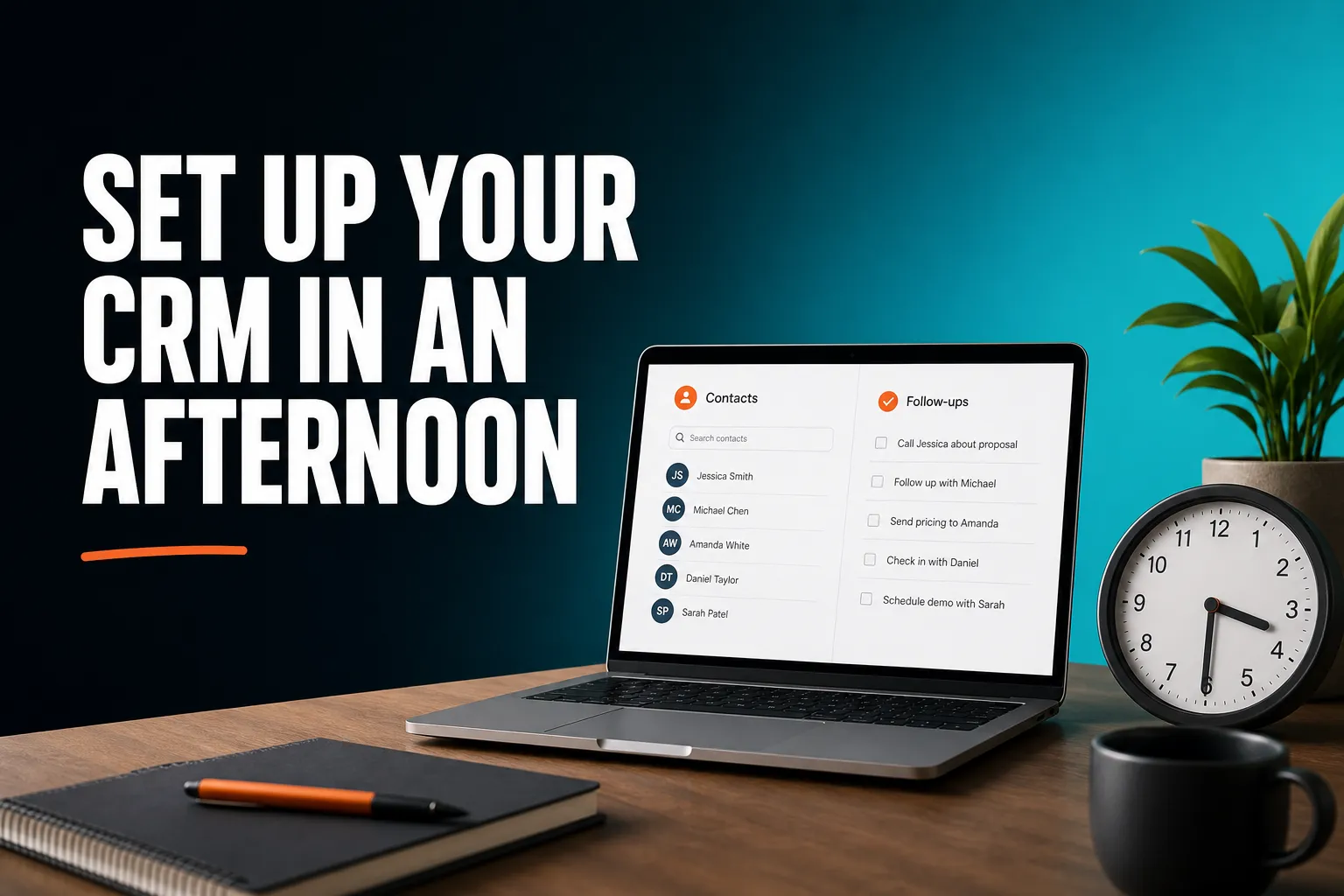
The easiest CRM to set up is one that asks you to configure very little: import your contacts, attach a reason to follow up, and start using it the same day. For most founders, consultants and small teams, that points to a contact-first CRM rather than a large platform built around sales pipelines and custom fields. AICRM is built that way, but it is one option among several, and the sections below explain where something else fits better.
What CRM is easiest to set up and use?
The easiest CRM to set up and use is the one with the fewest decisions to make before it becomes useful. In practice that means a contact-focused tool with CSV import, a clear record for each person, simple follow-up reminders and no compulsory pipeline design. Tools such as Less Annoying CRM, folk and AICRM are generally positioned at that end, though it is worth checking each one yourself. Large platforms like HubSpot or Salesforce are powerful, but they usually ask for more setup.
Setting up and using a CRM are different problems, so it helps to test for both.
Three tests for 'easy'
- Time to first useful answer. How long is it from signing up until the CRM tells you something you did not already know? If the answer is 'after you have built your pipeline and custom fields', it is not easy.
- Number of decisions up front. Every stage, field and permission you have to design is a decision you might get wrong and have to redo later.
- Effort to keep it going. A CRM only works if you keep using it. If you have to remember to open it, run a report and check three different tabs, you will eventually stop. The ones that last are the ones that come to you with what needs attention.
That last test is where many small teams go wrong. A tool can be quick to set up and still end up as a tidy list of names that nobody opens, with follow-ups forgotten and leads quietly going cold.
What makes a CRM slow to set up?
A CRM is slow to set up when it makes you design the system before you can use it. The usual causes are building a sales pipeline, creating custom fields, connecting several integrations, cleaning data before import and training everyone. Each step is reasonable on its own. Together they can turn an afternoon job into weeks of half-finished configuration.
Here is what to watch for when you compare options:
- A required pipeline. If the tool expects you to define deal stages before you can add a customer, you are designing a sales process, not just storing contacts.
- Heavy customisation. Flexible data models are a strength for some teams. For a one-person business they are mostly a way to spend a week on something that does not help you reply to anyone.
- Lots of integrations to connect. Each one is another login, another permission and another thing that can break.
- Painful import. If you have to rename every spreadsheet column to match the CRM's fields, the first hour is lost to housekeeping.
- No free trial, or a trial with locked features. You cannot judge ease of setup from a demo alone. You need to try it on your own messy data.
A quick example
Imagine a consultant with 300 contacts in a spreadsheet, a calendar full of calls and a habit of writing 'I'll get back to you next week' in her notes. She does not need stages, forecasts or custom objects. She needs her contacts in one place, a date and reason attached to the people she promised to follow up with, and something that reminds her when that date arrives. Any CRM that demands more than that before it is useful is the wrong size for her.
I need a CRM without lots of complicated features. What should I use?
Choose a CRM that covers the handful of things you will actually do every week: keep a record for each person, log what happened, set a follow-up date, track simple tasks and group contacts into lists. Everything else can wait. The best way to choose is to write down your five most common tasks and reject any tool that makes those harder than a spreadsheet would.
Features that matter for a simple setup
- A single contact record with an activity history (calls, emails, meetings, notes).
- A next follow-up date with a reason, so you remember why you were going to get in touch.
- Tasks attached to the contact, not in a separate project tool.
- Simple segments, for example 'customers I have not spoken to in 90 days'.
- Easy CSV import and export, so you are never locked in.
- Something that surfaces what needs attention, so you do not have to go looking.
Features you can probably ignore at first
- Custom objects and complex permission structures.
- Detailed forecasting and revenue reports.
- Multi-step automation, unless you already know which sequence you need.
- Advanced scoring models. A few rules are plenty to start with.
How AICRM handles this
AICRM is not minimal in what it includes. Every plan has contacts, segments, campaigns, automation, forms, analytics and the voice agent, with no per-seat charge. It aims to be minimal in what it asks you to do. You do not have to build a pipeline or define custom objects. You can ignore campaigns and automation until you need them, and start with contacts, follow-ups and the Daily Brief. The agent can also create tasks, log calls and update contacts when you ask it to, and it restates and confirms each change before making it.
I need a CRM but don't want to spend weeks setting it up. What should I use?
Use a CRM with a free trial, CSV import that maps your columns automatically, and no mandatory pipeline or custom field design. Then limit your first session to the essentials: import your list, set follow-ups for the people who matter most, and decide how you will log conversations. Leave scoring rules, forms and campaigns for week two.
Here is a realistic plan for one afternoon. The timings are a rough guide, not a promise, and depend on how tidy your existing list is.
1. Tidy your list (about 30 minutes)
Put everything in one spreadsheet with one row per person. Include an email address wherever you have one. AICRM detects duplicates by email, so a clean email column means a re-import will not create copies. You do not need to rename columns to match anything.
2. Import it (about 15 minutes)
Upload the CSV. AICRM maps your column headers to its fields automatically, and any rows that fail are reported individually, so one bad row does not sink the whole batch. Check the result, fix the few errors and move on.
3. Set follow-ups for the people who matter (about 30 minutes)
Do not try to process all 300 contacts. Pick the 10 to 20 people you are most likely to speak to in the next fortnight and give each a next follow-up date and a reason. You can set these by hand on the contact or by asking the agent.
4. Decide how you will log conversations (about 20 minutes)
Follow-ups are only picked up from conversations that are logged in AICRM: notes, calls and meetings you log there, and emails sent from AICRM or BCC'd or forwarded to it. If you write 'call me after the 15th' in a note, AICRM can pick up the date. It does not listen to your calls or read your inbox, so choose a logging habit you will actually keep.
5. Leave the rest for week two
Lead scoring rules (job title, industry, company size, location, source, recency, email opens and site visits), embeddable forms, Google Calendar and booking pages are all there when you want them. None of them is needed to get value on day one.
6. Open it tomorrow
This step matters most. The Daily Brief appears on the dashboard when you open AICRM. It is also emailed at 7am on weekdays in your timezone (you can switch that off in Settings), and skipped on days when there is nothing in it. It shows follow-ups due or overdue, one-to-one emails sent from AICRM that are still awaiting a reply after 3 days, open tasks, new hot or warm signals (company news and role changes), known contacts who came back to your website, and a count of customers with no contact logged in 90 days or more.
One honest caveat: that last count includes customers who have never had a contact logged, so straight after an import it may look large. It will settle down as you log real conversations.
Which CRM doesn't require a complicated setup?
No single CRM suits everyone, but the ones with the least complicated setup are generally contact-first tools rather than all-in-one platforms or deal-pipeline systems. A spreadsheet needs almost no setup but does no chasing for you. Simple CRMs add history and reminders. Larger platforms add depth, and with it more configuration and admin.
This table describes general tendencies, so check each product's current features before you decide.
| Type of tool | Typical setup effort | Best suited to | Watch out for |
|---|---|---|---|
| Spreadsheet | Almost none | One person with a few dozen contacts | No reminders or history, so it relies entirely on your memory |
| Simple contact-first CRM (for example Less Annoying CRM, folk, AICRM) | Low | Founders, consultants, small-business owners, small teams | Fewer advanced customisation and reporting options |
| Pipeline-focused CRM (for example Pipedrive, Close) | Low to moderate, because you design your stages | Teams that work deals through a sales process | More structure than a non-sales business needs |
| Large all-in-one platform (for example HubSpot, Salesforce, Zoho) | Moderate to high | Growing or larger teams with complex processes | Setup and admin time, plus many features you may never use |
Do reminders and 'next action' features set one simple CRM apart?
Not really. HubSpot, Pipedrive, folk, monday CRM, Close, Breakcold, Attio and Less Annoying CRM all have some version of follow-up reminders or next actions, and AICRM did not invent them. What differs is how much you have to do to benefit. In some tools, you set reminders and then check a task list. AICRM's approach is to surface what needs attention (the Daily Brief) and then let you act on it in the same conversation, for example by asking 'what needs my attention today?' and then 'draft follow-ups for my top three contacts'.
The agent returns one ranked list from the Daily Brief data, with overdue follow-ups and hot signals first, then follow-ups due today, unanswered emails, contacts back on your website, warm signals and tasks, each with its reason. The drafts are saved on each contact for you to review, edit and send. Nothing is sent unless you explicitly ask, and the agent confirms before it does.
Where does AICRM fit, and where would something else be better?
AICRM fits founders, consultants, small-business owners and small teams who want to stay on top of their customers with less admin. It is a poor fit if you need a sales deal pipeline with stages, a phone dialler or SMS, or the depth of a large enterprise platform. For those needs, a pipeline-focused or larger CRM is the better choice.
AICRM is a good fit if
- Your main problem is forgetting follow-ups or not knowing who to contact next.
- You want one place for contacts, tasks, email campaigns and your website's form submissions.
- You would rather ask for something than click through screens to do it.
- You want a free trial on your own data before you commit.
Choose something else if
- You run a sales team that works deals through stages. AICRM has no deal pipeline or deal stages. It is built around contacts, lifecycle stages, lead scores, segments, tasks and campaigns. Many small teams find that lifecycle stages and follow-up tasks cover what they would have used deals for, but if forecasting by stage is central to how you work, a pipeline CRM such as Pipedrive or Close will serve you better.
- You need calling or SMS built in. AICRM has no phone dialler or SMS.
- You need to identify individual anonymous website visitors. AICRM recognises known contacts when they return after submitting a form, but anonymous visitors are identified at company level only.
- You want everything read from your own inbox. AICRM does not read your inbox. It works from conversations logged in AICRM, and no-reply detection only covers one-to-one emails sent from AICRM.
- You need deep customisation. Flexible, build-your-own-data-model tools such as Attio may suit you better.
The voice agent is also worth understanding before you commit. It is a live, real-time conversation in your browser, not a tool that transcribes recorded voice notes or voicemails. You talk, it confirms, it acts. Plans include a monthly bundle of voice minutes, so a very talkative team should check the numbers below.
What does it cost to try a simple CRM like AICRM?
AICRM starts with a 7-day free trial with full features. A card is required up front, but you are not charged until the trial ends. After that, plans are Starter at $29 a month (120 voice-agent minutes and up to 2,000 contacts), Growth at $79 (400 minutes, up to 5,000 contacts) and Power at $149 (600 minutes, up to 20,000 contacts).
Every plan includes the full CRM, and plans differ only in voice minutes and contacts. There is no per-seat charge. Voice minutes beyond your bundle are billed at $0.15 a minute, with a $2 a day safety cap. For a person with a few hundred contacts, the practical question is mainly whether the contact limit and voice bundle fit how much you will talk to the agent. You can see all the details on the pricing page.
What should you do next?
Start small. Take the contacts you already have, import them and set follow-ups for the dozen people who matter most this fortnight. Then open the Daily Brief the next morning and see whether it tells you something useful. If it does, the setup was worth it. If it does not, you will have found out in a week rather than a quarter.
You can look through the Features page for the full list, watch the demo, or start the 7-day free trial and try it on your own list.
Frequently asked questions
How long does it take to set up a simple CRM?
For a contact-first CRM, plan on an afternoon for the essentials: tidy your list, import it, set follow-ups for the people who matter and decide how you will log conversations. How long it takes depends mostly on how clean your existing spreadsheet is. Features such as scoring rules, forms and campaigns can wait until later.
Can I just use a spreadsheet instead of a CRM?
Yes, if you have a few dozen contacts and the discipline to check it every day. A spreadsheet has almost no setup, but it will not remind you of follow-ups, keep a history of conversations or tell you who has gone quiet. Many people move to a CRM when remembering everything starts to fail.
Do I need a deal pipeline in my CRM?
Only if you run a sales process with stages that you track and forecast. AICRM has no deal pipeline or deal stages, and uses lifecycle stages, lead scores, segments and follow-up tasks instead. If deal stages are central to your work, a pipeline-focused CRM will suit you better.
Do I need technical skills to set up AICRM?
No. You import contacts from a CSV file, with automatic field mapping and per-row error reporting, and you set lead scoring rules in Settings without code. Embeddable forms and booking pages are available when you want them, but none of them is required to start.
Can I import my existing contacts into AICRM?
Yes. AICRM imports CSV files, including exports from other CRMs and plain spreadsheets, and maps your column headers automatically. Rows that fail are reported individually, and duplicates are detected by email so re-imports do not create copies.
Is AICRM suitable for a larger sales team?
AICRM is aimed at founders, consultants, small-business owners and small teams. Large sales teams that need a deal pipeline, stage-based forecasting or enterprise-level customisation will usually be better served by a pipeline-focused or larger platform.