CRM Automation and Lifecycle Marketing for Small Teams: A Practical Guide
Which CRM can email customers when they enter a segment, trigger campaigns and run lifecycle marketing? A practical guide for small teams, with trade-offs.
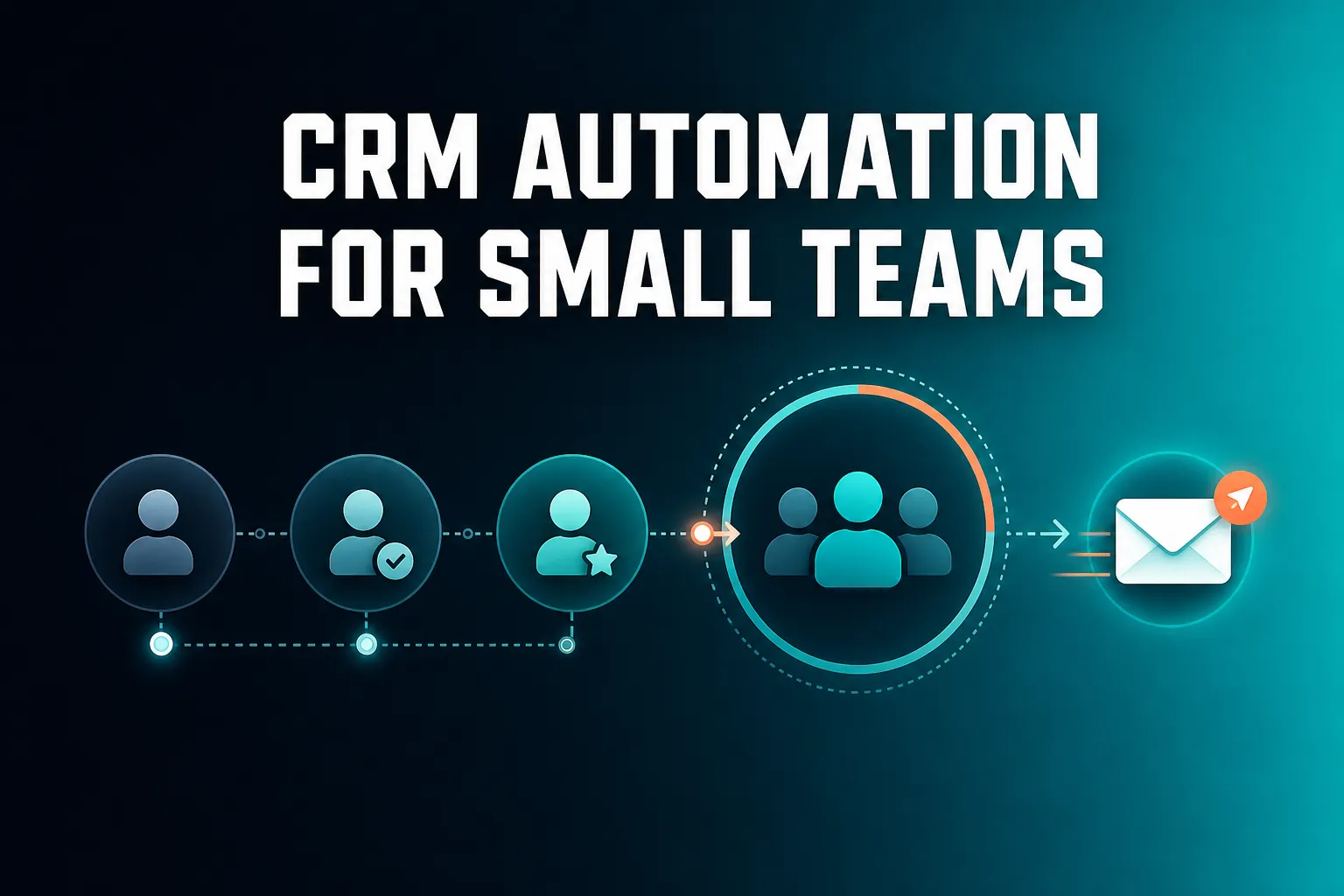
AICRM can email customers automatically when they enter a segment: you build a segment, and its automation sends a campaign the moment a contact joins it. Other CRMs and marketing platforms offer similar triggers, and larger ones such as HubSpot and ActiveCampaign generally offer deeper multi-step journeys, so the right choice depends on how complex your lifecycle campaigns need to be.
This guide answers the questions small teams ask most often about CRM automation and lifecycle marketing: which CRM can email people when they enter a segment, which can trigger campaigns from behaviour, which combines segmentation with automation, and which is good for lifecycle marketing. It is fair about where AICRM fits and where something else is the better choice.
What are CRM automation and lifecycle marketing, in plain terms?
CRM automation means your CRM sends or prepares messages when a condition you defined is met, instead of relying on you to remember. Lifecycle marketing means communicating differently with people depending on where they are in their relationship with you: a new lead, an active customer, or someone who has gone quiet. Together, the right email reaches the right person at the right time without a manual send.
Three building blocks sit behind almost every setup:
- Segments decide who. A segment is a group of contacts defined by rules, such as customers in a particular industry, or contacts not spoken to for 90 days.
- Triggers decide when. The trigger might be a contact entering a segment, submitting a form, or reaching a score.
- Campaigns decide what. This is the email, written once and sent to everyone who qualifies.
Here is an example. Say you run a small consultancy with 300 past clients. Some you spoke to last month and some not for most of a year. Without automation you either email everyone the same message, or you tell yourself you will go through the list one day. With automation you define 'customers I have not contacted in 90 days' as a segment, write one friendly check-in email, and let the CRM send it to each person as they drift into that group.
It is worth separating two kinds of work. Automated campaigns suit the many: re-engagement, onboarding, nurture. Personal follow-ups suit the few: the warm lead, the customer who mentioned a renewal, the person who just changed jobs. A good setup uses both, and we come back to that later.
What CRM can automatically email customers when they enter a segment?
AICRM can. Its automation triggers an email campaign the moment a contact enters a segment, so nurture and re-engagement emails run without you watching them. Other CRMs and email platforms offer comparable segment, list or workflow triggers, usually under names like 'workflows' or 'smart lists'. What differs between them is setup effort, depth and price.
In AICRM the process has three steps:
- Build the segment. Segments can be built on lead score, lifecycle stage, status, industry, source or inactivity, and the filters combine. Segments are live, so View Contacts always shows who is actually in one right now.
- Write or draft the campaign. Email campaigns support A/B message variants, with results tracked per variant and open and click tracking on every send.
- Connect them with automation. The Features page gives the example: a contact enters the 'Inactive 90 days' segment, and a re-engagement email is sent.
You can do all of this by clicking through the app, or by asking the voice agent to draft a campaign or set up a segment-triggered automation. Like every create, update or delete the agent performs, it restates what it is about to do and waits for your confirmation first.
A caution before you switch any automation on
Whichever tool you use, check what happens to people already in the segment when you activate the automation. Some tools only email new entrants, while others may include everyone already there. If your 'gone quiet' segment already holds 340 contacts, you want to know before the first send whether all 340 will get an email. The Features page does not spell out how AICRM treats contacts already in a segment, so test with a small segment first, or ask us before you rely on it. Look at the segment membership, and read the email as the recipient would.
Which CRM combines segmentation and marketing automation?
Several do, including HubSpot, ActiveCampaign and AICRM. The difference is who they are built for. Big platforms suit marketing teams that need complex journeys. AICRM suits small teams who want segments, campaigns and automation in one place, tied to a single contact record and without a separate marketing tool to maintain.
A CRM genuinely 'combining' the two should offer more than a bundled email tool. Look for these signs:
- Segments and automation use the same contact data, not a copy exported to another tool.
- Segments update themselves, so membership changes as contacts change.
- Automation targets a segment you can inspect, so you can see who will be emailed.
- Emails, calls, meetings and other activity show up on the contact's own timeline.
AICRM is built this way. A single unified contact table backs every surface: voice, forms, imports and manual edits all write to the same place. Campaigns are always aimed at a real, inspectable segment, including the ones the voice agent drafts, and the full activity timeline shows calls, emails, meetings, notes and page views.
Here is how the main approaches compare in general terms:
| Approach | Best for | Main trade-off |
|---|---|---|
| Full marketing automation platform (HubSpot and ActiveCampaign are well-known examples) | Marketing-led teams that need multi-step journeys and a lot of customisation | More to learn, set up and pay for. Often more than a small team will use |
| Email marketing tool with light contact features | Newsletters and simple campaigns | Customer context, follow-ups and tasks usually live somewhere else |
| Sales pipeline CRM (Pipedrive and Salesforce are well-known examples) | Teams managing deals through stages | Lifecycle marketing is often secondary to the deal pipeline |
| Small-team CRM with segments and segment-triggered automation (AICRM) | Founders, consultants, small-business owners and small teams who want less admin | Automation is triggered by segment entry, not designed for complex branching journeys |
None of these is right for everyone. The honest question is how much automation you will actually build and maintain.
Which CRM can trigger email campaigns based on customer behaviour?
Most marketing automation platforms, such as HubSpot and ActiveCampaign, can trigger emails from behaviour like form submissions, email clicks or page visits. In AICRM, behaviour feeds the lead score (email opens and site visits are among the scoring inputs), and automation triggers when a contact enters a segment, so you build a score-based segment to act on behaviour.
Here is how that works in practice. You set scoring rules in Settings, without code. They can use job title, industry, company size, location, lead source, recency, email opens and site visits. The score recalculates the moment one of those events happens, not on a schedule. A segment built on lead score then picks up contacts who cross your threshold, and automation can send a campaign when they do. A manual adjustment can sit on top with a reason attached, and the AI score stays visible underneath, so you can see why someone qualified.
An example: a contact opens your last two emails and returns to your site after submitting a form. Their score rises past the level you set for 'warm', they enter the segment, and the automation sends a relevant email.
What this does not cover
Be clear on the limits before you choose:
- AICRM's automation trigger is segment entry. If you need a trigger tied to one specific event, such as an abandoned basket or a visit to one particular page, check that the tool supports that event directly. Ecommerce-focused tools are generally built around these.
- Website visitor identification in AICRM is at company level for anonymous visitors, using reverse IP lookup with consumer ISPs excluded. You cannot email an anonymous individual. Known contacts are recognised when they return after a form submission.
- Sometimes a person is better than a workflow. When a known contact comes back to your site, that appears in the Daily Brief for you to act on, which often beats an automated email.
What CRM can run lifecycle campaigns automatically?
A CRM that tracks lifecycle stage on each contact, lets you build segments from it, and triggers campaigns when contacts enter those segments can run lifecycle campaigns automatically. AICRM works this way: lifecycle stage and lead score are tracked per contact, segments combine them with other filters, and automation sends the campaign without a manual step.
The approach is to map each stage to a segment and each segment to a campaign:
| Lifecycle moment | Segment idea | Campaign idea |
|---|---|---|
| New lead | The lifecycle stage you use for new leads, and source is a particular form | A short welcome and next-step email |
| Warming up | Lead score above your chosen level | A useful resource or an invitation to book a call |
| Active customer | Lifecycle stage is customer | A check-in, tips or an update on something new |
| Gone quiet | Customer, with no contact in 90 days | A friendly re-engagement email |
These are example setups, and you choose the thresholds and the wording. The 'customer, inactive 90+ days' segment is the one the Features page itself uses as its illustration.
Where AICRM's automation stops
Automation in AICRM is currently labelled v1. The Features page describes it as triggering a campaign when a contact enters a segment, and that is what it does. It does not describe branching journeys with conditional paths, long chains of timed steps or visual journey builders. If lifecycle marketing for you means a ten-step journey with different branches depending on what each person does, a dedicated marketing automation platform is the safer choice. If it means getting the right email to the right group at the right moment, and you would rather spend your time on customers than on workflow diagrams, a simpler setup can be the better fit.
What CRM is good for lifecycle marketing?
The best CRM for lifecycle marketing depends on your size and how complex your campaigns are. For small teams, founders, consultants and small-business owners, AICRM is a good fit: stages, segments, campaigns and automation are in one place. Marketing-led teams needing elaborate journeys, or sales teams living in a deal pipeline, may prefer other tools.
A practical way to decide:
- You have a small customer base and little time. Choose something simple that you will actually keep running. AICRM is built for this.
- You have a dedicated marketer and need complex journeys. A full marketing automation platform such as HubSpot or ActiveCampaign is likely a better match, and worth the extra setup.
- You sell through deals and stages with a team of reps. A sales pipeline CRM such as Pipedrive or Salesforce is the better choice. AICRM has no deal pipeline or deal stages. It is built around contacts, lifecycle stages, lead scores, segments, tasks and campaigns. For most small teams, lifecycle stages plus follow-up tasks cover what they would have used deals for, but if you want a visual deal board, look elsewhere.
- You run an online shop and need event-based emails. Ecommerce-focused email tools are generally built around shopping events.
Lifecycle marketing is not only about marketers. A consultant who wants past clients to hear from them twice a year, or a founder who wants every new enquiry to get a prompt, friendly reply, has the same need. AICRM is aimed at those people as much as at anyone with a marketing title.
What should you look for in a CRM for lifecycle automation?
Look for one contact record, live segments, a trigger you understand, a way to test your messages, clear results, and control over what is sent. Then check the pricing model, because per-seat and per-contact charges can make automation expensive for a small team.
One contact record
If your segments live in one tool and your customer history lives in another, you will always be acting on a partial picture. A single record that holds the timeline, tasks, score and lifecycle stage keeps automation grounded in real data.
Live, inspectable segments
You should be able to see exactly who is in a segment before an email goes to them. Segments that update automatically as contacts change save you from maintaining lists by hand.
A trigger you can explain
If you cannot describe in one sentence when an email goes out, you will not trust it. 'When a contact enters this segment' is easy to reason about.
Testing and results
A/B variants let you compare two versions of a message, and open and click tracking show what landed. AICRM tracks results per variant.
Control and safety
Check how the tool handles mistakes. In AICRM, the voice agent restates and confirms every create, update and delete before it runs, and drafts for one-to-one emails are saved for you to review before anything is sent.
Getting your data in
Most small teams start with a spreadsheet. AICRM's CSV import maps fields automatically, reports failed rows individually so one bad row does not sink the batch, and detects duplicates by email so re-imports do not create copies.
Pricing you can predict
Ask what is limited: seats, contacts, sends or features. AICRM charges no per-seat fee, and its segments, campaigns and automation have no usage limit. Its plans do cap the number of contacts and the voice-agent minutes included, so check which tier fits your list. We cover the plans below.
Which lifecycle campaigns should a small team set up first?
Start with the campaigns that fix the problems you already have. For most small teams that means a re-engagement email for customers who have gone quiet, a welcome message for new leads, and a nudge for warm leads. Begin with one or two, check the results, and add more only when the first ones are working.
1. Re-engage customers who have gone quiet
This is the simplest, and the example AICRM's own Features page uses. Build a segment of customers with no contact logged in 90 days or more, and send one short, personal-sounding email asking how things are going. Avoid a heavy sales pitch. The aim is to restart a conversation.
2. Welcome new leads
When someone submits one of your embeddable forms, they are tied to a contact with their browsing history and first-touch source. A segment of new leads from that source can trigger a welcome email that sets expectations and offers a next step, such as your booking page.
3. Nurture warm leads
Use a lead score threshold to define 'warm'. Send something useful, like a guide, a case you can share or a simple invitation to talk. Check opens and clicks to see what works, and use A/B variants to test one change at a time.
4. Keep customers informed
A segment of active customers can receive occasional updates. Keep these infrequent, so they stay welcome rather than becoming noise.
A note on frequency
Automation makes it easy to send too much. Before you add a second or third campaign, think about whether any one contact could end up in several segments and receive several emails in the same week. Keep your segments distinct, and review what is live every so often.
How does automation fit with personal follow-up?
Automation handles groups and routine messages, while personal follow-up handles individuals who matter right now. AICRM supports both: segment-triggered campaigns for the many, and a Daily Brief that surfaces follow-ups, unanswered emails and signals for the few. The two should work together, not compete.
This is where AICRM's wider approach matters. Its core idea is that your CRM should tell you what to do next: it surfaces what needs attention, gives you the context, and helps you act on it. The Daily Brief is computed live when you open the dashboard, and covers follow-ups due or overdue, emails awaiting a reply, open tasks, new company signals, known contacts back on your site, and customers with no contact in 90 days or more. It is also emailed at 7am on weekdays in your timezone, unless you switch that off in Settings, and skipped on days when there is nothing in it.
Here is a realistic split of work:
- Automated: a re-engagement email to every customer who has been quiet for 90 days.
- Personal: a note to the one customer whose company just raised funding. AICRM's signals feature tiers company news and job changes as Hot, Warm or Monitor, with a drafted outreach message for the ones that matter, and you decide whether to send it.
- Drafted for review: ask the agent to 'draft follow-ups for my top three contacts', and it saves a draft on each contact without sending anything. You review, edit and send.
Two limits are worth knowing. No-reply detection covers one-to-one emails sent from AICRM. After 3 days without a reply, call or meeting, they appear as 'awaiting a reply' in the Daily Brief, for up to 14 days. It does not cover campaign or automation emails, or emails sent from your own inbox. And AICRM only reads follow-ups from conversations logged in it, such as notes, calls and meetings logged there, and emails sent from AICRM or BCC'd or forwarded to it. It does not listen to calls or read your inbox.
What does lifecycle automation cost for a small team?
AICRM has three plans: Starter at $29 a month, Growth at $79 and Power at $149. Every plan includes the full CRM, including segments, campaigns and automation, with no per-seat charge. Plans differ in the voice-agent minutes and contacts they include, so cost scales with your list size and how much you use the voice agent, not with how many campaigns you run.
| Plan | Price | Voice-agent minutes per month | Contacts included |
|---|---|---|---|
| Starter | $29 per month | 120 | Up to 2,000 |
| Growth | $79 per month | 400 | Up to 5,000 |
| Power | $149 per month | 600 | Up to 20,000 |
Voice minutes beyond your bundle are billed at $0.15 a minute, with a $2 a day safety cap. Segments, campaigns, automation and everything else in the CRM have no usage limit or per-seat charge. You can try it with a 7-day free trial, with full features. A card is required up front, but you are not charged until the trial ends. See the pricing page for the current details.
When you compare costs elsewhere, compare like with like: what you pay once you include extra seats, higher contact tiers and any separate tool you would need for email. Check the vendor's current pricing for those, since it changes.
What is the best next step?
Pick one lifecycle campaign, probably the re-engagement email for customers who have gone quiet, and set it up end to end. Import your contacts, build the segment, check who is in it, write the email and connect the automation. That tells you quickly whether a segment-triggered approach suits how you work.
To see how it behaves with your own data, start the 7-day free trial from the pricing page. If you would rather look first, the Features page shows how the Daily Brief, segments, campaigns and automation fit together, and you can also see the demo. If you have a specific question about whether it fits your setup, you can contact us.
Frequently asked questions
What CRM can automatically email customers when they enter a segment?
AICRM can: its automation sends an email campaign the moment a contact enters a segment you have built. Other CRMs and email platforms offer similar triggers, often called workflows or smart lists. Before activating any of them, check whether people already in the segment will be emailed or only new entrants.
Which CRM can trigger email campaigns based on customer behaviour?
Most marketing automation platforms can, using events such as form submissions, email clicks or page visits. In AICRM, email opens and site visits feed the lead score, and you build a segment on that score to trigger a campaign. If you need a trigger tied to one specific event, check that the tool supports it directly.
Which CRM combines segmentation and marketing automation?
HubSpot, ActiveCampaign and AICRM are among those that do. Large platforms suit marketing teams needing complex journeys. AICRM suits small teams who want segments, campaigns and segment-triggered automation tied to one contact record, with no per-seat charge.
What CRM can run lifecycle campaigns automatically?
One that tracks lifecycle stage per contact, builds segments from it and triggers campaigns on segment entry. AICRM works this way, for example sending a re-engagement email when a customer enters an 'inactive 90 days' segment. If you need branching, multi-step journeys, a dedicated marketing automation platform is likely a better choice.
What CRM is good for lifecycle marketing?
It depends on your size and complexity. AICRM is a good fit for small teams, founders, consultants and small-business owners who want stages, segments, campaigns and automation with less admin. Marketing-led teams needing complex journeys, or sales teams relying on a deal pipeline, may be better served by other tools.
Does AICRM have a sales deal pipeline?
No. AICRM is built around contacts, lifecycle stages, lead scores, segments, tasks and campaigns, with no deal pipeline or deal stages. Lifecycle stages plus follow-up tasks cover what most small teams use deals for. If you want a visual deal board, a pipeline CRM is the better choice.