Best CRM for a Team of Under 10 With No Sales Ops or CRM Manager
The best CRM for a team under 10 is simple, quick to set up and needs no admin. Here is what to look for, where AICRM fits and when to pick something else.
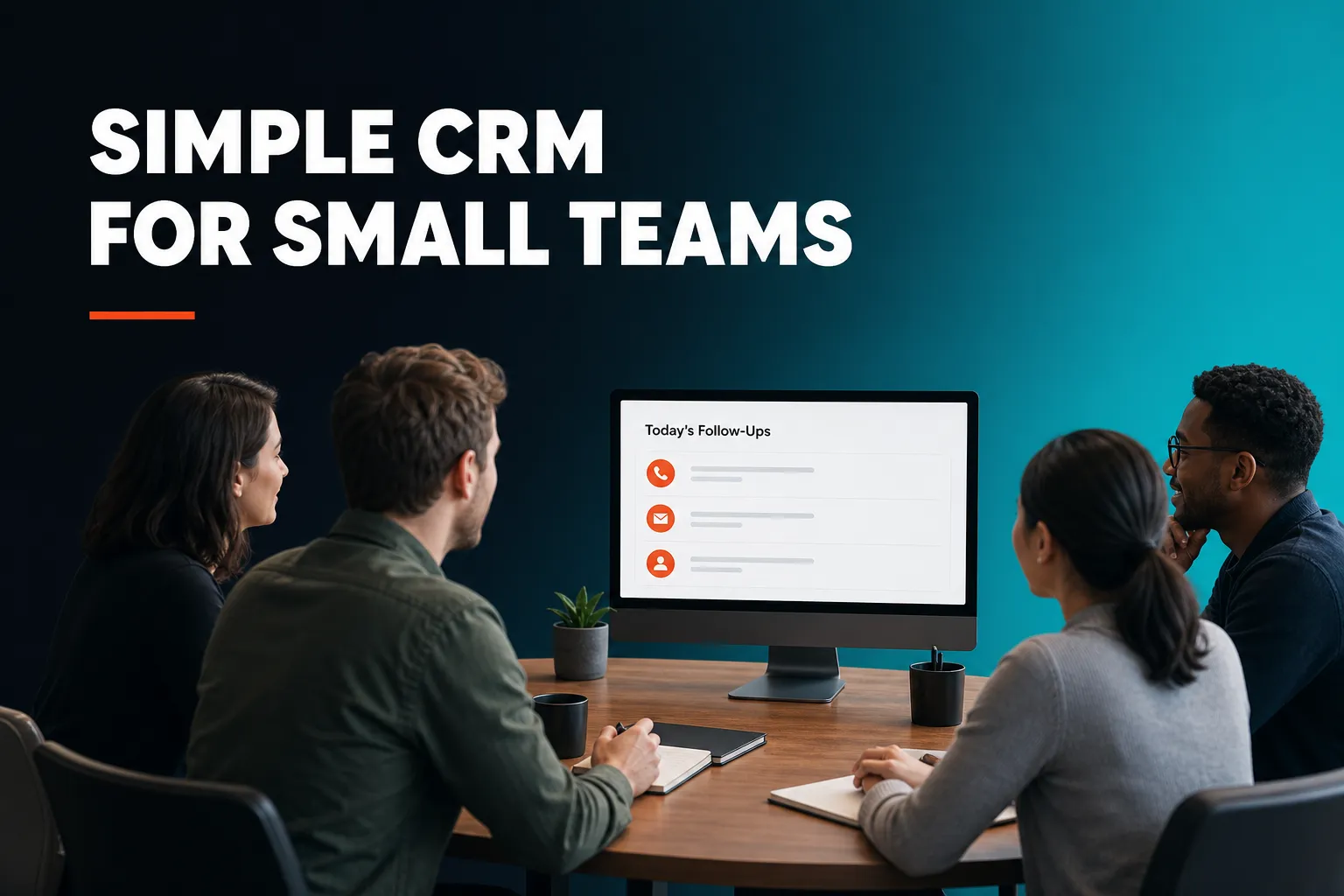
The best CRM for a team of fewer than 10 people is one that can be set up in an afternoon, that everyone will actually keep up to date, and that does not need an administrator to keep it working. For most small teams, that points to a simple, contact-based CRM rather than enterprise software. AICRM is one option built for this: it surfaces the follow-ups and customers that need attention each day and lets you act on them in conversation, but if your sales process revolves around a deal pipeline, a pipeline-first tool such as Pipedrive will suit you better.
What is the best CRM for a team of fewer than 10 people?
The best CRM for a team of fewer than 10 people is the simplest one that matches how you actually sell. If you track deals through stages, choose a pipeline-first CRM. If you mainly manage relationships and follow-ups, choose a lightweight, contact-based CRM. If you want marketing, sales and service in one place, a larger suite can work, as long as someone has time to run it.
There is no single winner, because small teams work in very different ways. A useful way to choose is to ask which problem is costing you most today: losing track of deals, forgetting to follow up, or not knowing who to contact next.
If you run a deal pipeline
Tools such as Pipedrive are built around deals moving through stages. If your team sells higher-value projects and wants to see every opportunity laid out on a board, this is a strong fit. AICRM does not have a deal pipeline or deal stages, so it is not the right pick for this way of working.
If you manage relationships and follow-ups
Many small teams do not really have deals. A consultancy, an agency, a local services business or a founder-led company has a list of people to keep warm, customers to look after and promises to keep. Lightweight CRMs such as Less Annoying CRM, folk and AICRM sit here, each with a different emphasis. In AICRM, lifecycle stages, lead scores and follow-up tasks cover what most small teams use deals for.
If you want one suite for everything
HubSpot, Zoho and similar suites cover marketing, sales and service under one roof. The breadth is a genuine advantage if you will use it. The trade-off is more to configure and more to maintain, which matters when nobody's job is to look after the CRM.
Example: a six-person consultancy has no deals as such. What it needs to know is who it promised to call this week, which past clients have gone quiet, and who to contact next. A contact-based CRM with good follow-up handling fits that far better than a pipeline board.
Which CRM is best for a small business that doesn't have a sales operations team?
The best CRM for a small business without a sales operations team is one that does the operational work itself: sensible defaults, easy import, activity captured as you work, and a daily view of what needs attention without building a report. Avoid tools that only become useful once someone has configured fields, dashboards and workflows.
In a larger company, sales operations is the team that keeps the CRM useful. They design the fields, clean the data, build the reports, set up the workflows and chase people to update records. In a team of eight, nobody does that, so the CRM has to need less of it.
What to look for when nobody does sales ops
- A starting view that tells you what to do. If you have to build a dashboard before you see anything useful, it will not get built.
- Easy import. You should be able to bring in a spreadsheet or an export from another tool without renaming columns by hand.
- Duplicate protection. Without a data person, duplicates quietly pile up.
- Scoring or prioritising you can understand. Rules you set yourself beat a black box you cannot explain to a colleague.
- Few moving parts. Every extra module is something someone has to own.
Example: a seven-person agency has three people who speak to clients. Nobody wants to spend Friday afternoon cleaning records. They need the CRM to show on Monday morning which clients are waiting on them and which have gone quiet.
How AICRM handles it
AICRM computes a Daily Brief live every time you open the dashboard. It pulls together follow-ups due or overdue, emails still waiting on a reply, open tasks, new signals, known contacts back on your website and customers with no contact logged in 90 days or more. It is also emailed at 7am on weekdays in your timezone (you can switch that off in Settings), and skipped when there is nothing to act on. There is no separate report to run.
Lead scoring rules are set in Settings with no code, using things like job title, industry, company size, location, source, recency, email opens and site visits. CSV import maps fields automatically, reports failed rows individually and detects duplicates by email, so a re-import does not create copies.
What's a good CRM for a small team that doesn't want enterprise software?
A good CRM for a small team that does not want enterprise software is one with predictable pricing, a short setup, one contact record and no requirement to hire an administrator. Enterprise platforms are powerful, but their depth is aimed at large sales organisations, and a small team pays for that complexity in time even when it does not pay in money.
Signs a tool is heavier than you need
- Pricing that rises with every person you add.
- Setup that needs a consultant, a partner or weeks of configuration.
- A long list of modules where you will use two.
- Features designed for territories, multi-level approvals or large-team forecasting.
- Reports that only make sense once someone has built them.
Salesforce is the best-known example of a platform that can do almost anything and usually needs someone who knows how to run it. That is a reasonable trade for a large sales team. For a team of eight it is usually more than you need.
What small teams should prefer instead
Look for one contact record that everything writes to, so notes, calls, forms and imports do not end up in separate places. Look for pricing you can predict. Look for a tool you can learn in an afternoon.
Example: a ten-person training company wants every trainer to see the same customer history and add a note after a call. They do not want to pay more as each new trainer joins, and they do not want a project to roll it out.
How AICRM handles it
AICRM has three plans, and they differ only in voice-agent minutes and contacts: Starter is $29 a month (120 minutes, up to 2,000 contacts), Growth is $79 a month (400 minutes, up to 5,000 contacts) and Power is $149 a month (600 minutes, up to 20,000 contacts). Every plan includes the full CRM. Segments, campaigns, automation and everything else in the CRM have no usage limit or per-seat charge, so adding a teammate does not add a line to the bill.
The trade-off is that voice minutes are metered. Minutes beyond your plan's bundle are billed at $0.15 a minute, with a $2 a day safety cap. Check the bundle against how much your team will realistically talk to the agent.
What's a good CRM for a small team without a dedicated CRM manager?
A good CRM for a small team without a dedicated CRM manager is one where the routine jobs happen as a side effect of normal work: logging a call updates the record, follow-ups are picked up rather than typed in twice, and the CRM tells you what needs attention. It should also let one person own it as a small part of their week, not a full-time role.
The jobs a CRM manager would normally do
It helps to list them, because then you can decide which the software should handle and which you will cover by habit:
- Keeping contact data tidy and free of duplicates.
- Making sure follow-ups are recorded and acted on.
- Assigning contacts to the right person.
- Building lists of people to contact, such as customers who have gone quiet.
- Pulling together a simple picture of what is going on.
A light ownership model that works
Pick one person as the part-time owner, and agree three rules with the team: every customer conversation gets logged, every contact has an owner, and anything promised gets a follow-up date. That is enough for most teams of under 10. The software should make those rules easy to follow, not add more.
Example: in a five-person design studio, the founder is the part-time owner. After each client call, whoever took it logs it. On Monday, the founder checks the brief for overdue follow-ups and reassigns anything that has slipped to someone with capacity.
How AICRM handles it
Each contact can carry a next follow-up date with a reason, set by hand, by asking the agent, or picked up automatically from a logged call, meeting, note or email, such as "call me after the 15th". Logging a conversation with no new follow-up in it marks a due one as done. You can log a call, email or meeting by talking to the voice agent, which is a live, real-time conversation in the browser. Every create, update or delete is restated and confirmed before it runs.
The agent can also reassign a contact's owner, find unassigned contacts, find customers who have gone quiet and list who has not replied to your email. If you ask "what needs my attention today?", it returns one ranked list from the Daily Brief data, each item with its reason.
One limit to know about: AICRM only picks up follow-ups from conversations logged in it (notes, calls and meetings logged there, and emails sent from AICRM or BCC'd or forwarded to it). It does not listen to calls or read your inbox.
What should a small team look for when comparing CRMs?
A small team should compare CRMs on six practical points: how quickly you can get your contacts in, whether the tool tells you what needs attention, how pricing changes as the team grows, how much admin it creates, whether it fits how you sell, and how it handles follow-ups. Feature counts matter much less than whether people will use it on a busy Tuesday.
A short checklist
- Can you import your contacts today? Try it with your real spreadsheet on a free trial.
- Does it show you what to do next? Open it cold and see whether the screen tells you, or whether you have to go digging.
- How does the price scale? Work out the cost for your team now and in a year.
- Who has to maintain it? If the answer is "a person we do not have", look elsewhere.
- Does it fit your sales model? Deals need a pipeline. Relationships need follow-ups and context.
- How does it handle follow-ups? Missed follow-ups are the most common reason small teams adopt a CRM, so test this properly.
Be fair to the field while you do this. HubSpot, Pipedrive, folk, monday CRM, Close, Breakcold, Attio and Less Annoying CRM all have their own versions of next-action and follow-up features. Try two or three with your own data, since the right choice is mostly about which one your team will open every morning.
How can a team under 10 get a CRM running in a week?
A team under 10 can get a CRM running in a week by importing contacts on day one, agreeing three simple logging rules, setting up a few segments, and checking the daily view each morning. Keep the first week small. The aim is a habit, not a perfect system.
- Day 1: import. Export your contacts from wherever they live and import them. Fix the obvious problems later.
- Day 2: decide your rules. Who owns what, what gets logged, and how follow-ups are recorded.
- Day 3: build a few useful lists. For example, customers with no contact in 90 days, or your highest-scoring leads.
- Day 4: connect the basics. Calendar, a contact form on your website and booking pages if you take meetings.
- Day 5: review. Look at what the daily view surfaced and adjust.
In AICRM, this maps onto CSV import, lead scoring rules in Settings, segments (including an inactivity segment, with the 90-day default adjustable), Google Calendar, embeddable forms and a public booking page for each teammate. A segment can also trigger an automation, for instance sending a re-engagement email when a contact enters an "Inactive 90 days" segment.
Where does AICRM fit, and where does something else fit better?
AICRM fits small teams, founders, consultants and small-business owners who want to stay on top of customers with less admin: knowing what needs attention, never forgetting a follow-up, and remembering what happened last time. It fits less well if you need a sales deal pipeline, calling features, or a CRM that reads your inbox.
| Your situation | Likely better fit |
|---|---|
| You track deals through stages and want a pipeline board | A pipeline-first CRM such as Pipedrive or Close |
| You want marketing, sales and service in one large suite and have someone to run it | A suite such as HubSpot or Zoho |
| You have a big sales team needing deep customisation and reporting | Salesforce or a similar enterprise platform |
| You want phone calling or SMS inside the CRM | A CRM with a built-in dialler (AICRM has none) |
| You manage customers and relationships, forget follow-ups and want less admin | AICRM is worth trying |
A few specifics worth knowing before you decide:
- AICRM has no deal pipeline. Lifecycle stages, lead scores, segments and follow-up tasks cover what most small teams use deals for.
- No-reply detection covers one-to-one emails sent from AICRM. After 3 days with no reply, call or meeting they show as awaiting a reply in the Daily Brief, for up to 14 days. It does not cover campaign emails or emails sent from your own inbox.
- Email drafts are one-to-one only, with no scheduled send, and they do not sync to your Gmail or Outlook drafts folder. The agent saves drafts for you to review and sends only when you explicitly ask, after confirming.
- Website visitor identification is company-level only. Known contacts are recognised when they return after submitting a form.
On the plus side, AICRM also looks for company news and job title changes for your contacts through a rate-limited enrichment pass (roughly 100 contacts a week), tiers what it finds Hot, Warm or Monitor, and drafts an outreach message for the ones that matter. For a small team without time to keep an eye on customers, that is the sort of work that otherwise never gets done.
What is the next step?
The quickest way to find out whether a CRM suits your team is to use it with your own contacts. AICRM has a 7-day free trial with full features. A card is required up front, but you are not charged until the trial ends. Have a look at the Features page to see what the Daily Brief, follow-ups and agent do, check the pricing against your team size, or see the demo first.
Frequently asked questions
What is the best CRM for a team of fewer than 10 people?
It depends on how you sell. If you track deals through stages, a pipeline-first CRM such as Pipedrive is a strong choice. If you mainly manage customer relationships and follow-ups, a lightweight contact-based CRM such as AICRM, folk or Less Annoying CRM may fit better.
Which CRM is best for a small business that doesn't have a sales operations team?
Look for one that does the operational work for you: easy import, duplicate detection on import, rules you can set without code, and a daily view of what needs attention. AICRM's Daily Brief is computed live from your data, so there is no report to build, and it is emailed at 7am on weekdays unless you switch it off.
What's a good CRM for a small team that doesn't want enterprise software?
Choose one with predictable pricing, a short setup and a single contact record. AICRM has three plans from $29 a month, differing by voice minutes and contacts, with no per-seat charge. If you need a deal pipeline or deep customisation, a pipeline-first tool or larger platform will suit you better.
What's a good CRM for a small team without a dedicated CRM manager?
A good one makes routine admin a side effect of normal work. In AICRM you can log calls by talking to the agent, follow-up dates are picked up from conversations logged there, and every change is confirmed before it runs. Appoint one person to own it part-time and agree three logging rules.
Does AICRM have a sales pipeline for deals?
No. AICRM has no deal pipeline or deal stages. It is built around contacts, lifecycle stages, lead scores, segments, tasks and campaigns. For most small teams, lifecycle stages and follow-up tasks cover what deals are used for, but if you need a pipeline board, choose a pipeline-first CRM.
Does AICRM charge per user?
No. AICRM's pricing page states that segments, campaigns, automation and everything else in the CRM have no usage limit or per-seat charge. Plans differ in voice-agent minutes and contacts. Minutes beyond your bundle are billed at $0.15 a minute, with a $2 a day safety cap.