What CRM Has the Best AI Features for SMBs? A 2026 Comparison
Which CRM has the best AI features for small businesses in 2026? What to look for, how the main options compare, what they cost, and whether any are free.
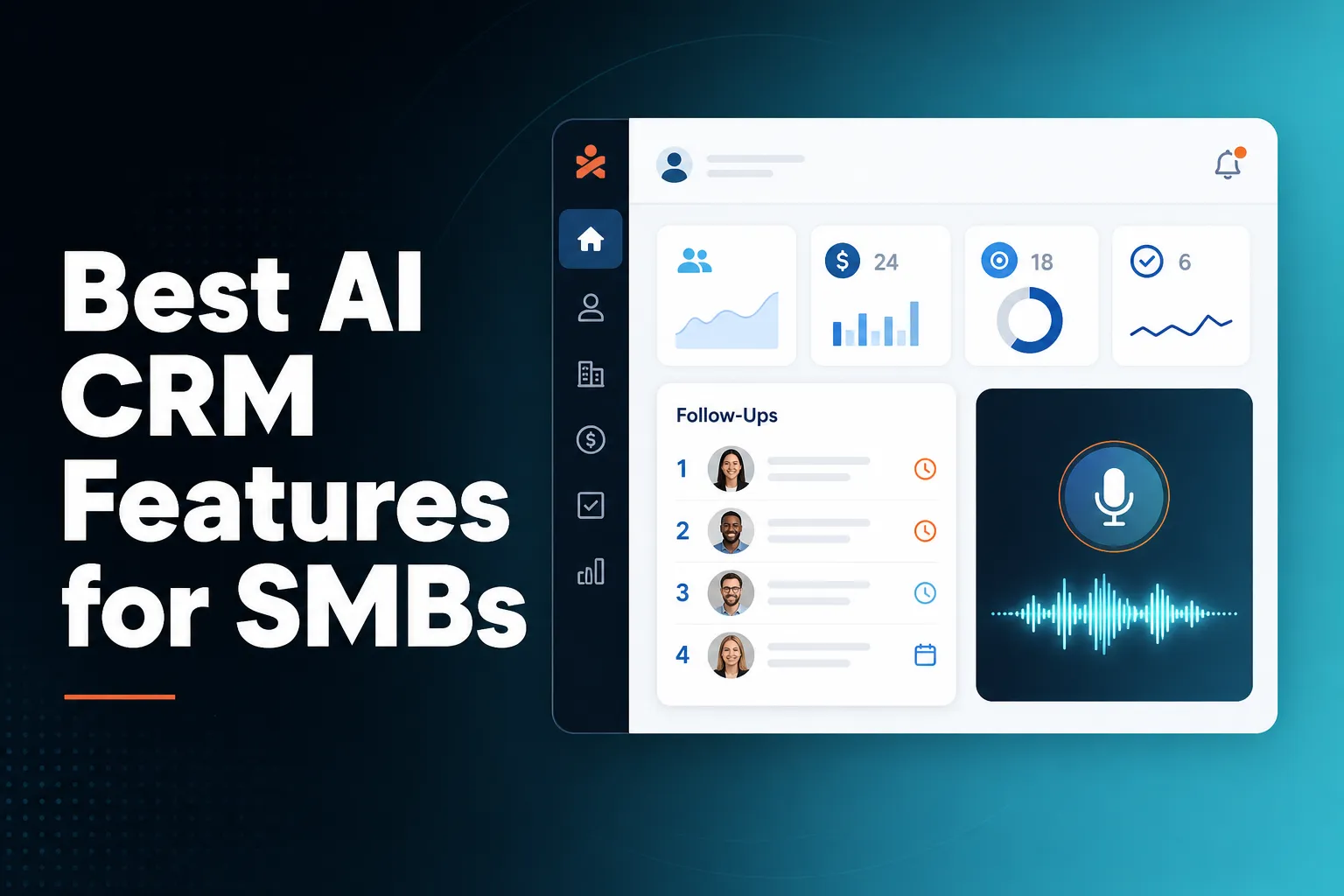
There is no single best CRM for AI features: it depends on whether you want AI that answers questions, AI that writes text, or AI that tells you what needs attention and helps you act. For most small businesses in 2026, the AI worth paying for is the kind that cuts admin and stops follow-ups slipping. AICRM is built around that idea, while HubSpot, Zoho, Pipedrive and Salesforce suit teams who want broader suites or a full sales pipeline.
What CRM has the best AI features for SMBs in 2026?
The best CRM for AI features in 2026 is the one whose AI removes work you currently do by hand. For a small business, that usually means surfacing who needs a follow-up, drafting the message and logging what happened. Big suites such as HubSpot and Zoho are broad platforms with AI in several places. AICRM is a narrower option, built around telling you what needs attention and helping you act on it.
It helps to separate three kinds of AI you will see in CRM marketing:
- Writing help: AI that drafts emails, summaries or campaign copy when you ask.
- Insight and scoring: AI that analyses your data and rates leads or predicts outcomes.
- Proactive attention and action: AI that looks at your data without being asked, tells you what matters today, and helps you do something about it.
Many CRMs now have the first kind. The third is where small teams tend to feel the biggest difference, because the real problem is rarely a lack of data. It is forgetting to look at it.
Which AI features actually matter for a small business?
The AI features that matter most to an SMB are the ones that stop things being forgotten: a daily view of what needs attention, follow-ups captured from conversations, drafts you can review before anything is sent, prioritisation you can explain, and confirmation before the AI changes your data. Impressive demos matter less than whether it saves you ten minutes every day.
Here is a practical checklist:
1. Does it tell you what needs attention, or wait to be asked?
A CRM that only answers questions still depends on you remembering to ask. Look for a daily summary of overdue follow-ups, unanswered emails and new signals about your contacts.
2. Can it pick up follow-ups from conversations?
If you have to type every follow-up date by hand, you will skip some. Better tools read what you log, such as 'call me after the 15th', and set the reminder for you.
3. Does it draft, but let you decide?
AI-written emails are only useful if you stay in control. Look for drafts saved for review, and a clear rule that nothing is sent without your say-so.
4. Can you see why a contact is ranked highly?
A score you cannot explain is hard to trust. Rules you set yourself, with the reasons visible, are easier to act on.
5. Does it confirm before it changes anything?
An AI with write access is powerful and risky. Confirm-before-execute is a sensible minimum.
Example (illustrative): a consultant has 80 active contacts. On Monday morning she does not want a dashboard to explore. She wants a short list: three follow-ups due, one email with no reply, one client whose company just announced funding. That is the standard to judge AI features against.
What CRM has the best AI features for SMBs? A comparison
The main options differ more in approach than in whether they have AI. HubSpot and Zoho are broad suites, Salesforce suits larger organisations with admin resources, Pipedrive centres on sales pipelines, and newer tools such as Attio and folk focus on flexible, relationship-led contact management. AICRM focuses on attention first, then action.
This is a general guide, not a feature-by-feature audit. Vendors change plans often, so check current details on their own sites.
| CRM | General approach | Often a good fit for |
|---|---|---|
| HubSpot | Broad suite covering marketing, sales and service | Teams wanting one large platform and willing to manage some complexity |
| Salesforce | Deep customisation for larger sales and service operations | Bigger organisations with a CRM administrator |
| Pipedrive | Pipeline-centred | Sales-led teams who live in a deal pipeline |
| Zoho | Wide range of business apps from one vendor | Businesses that want many tools from one vendor |
| Attio and folk | Flexible, modern contact and relationship management | Teams who want a customisable, relationship-led CRM |
| AICRM | Daily Brief, follow-up capture, drafts and a voice agent that acts | Small teams, founders and consultants who want less admin |
To be fair to the alternatives: if your business runs on a multi-stage sales pipeline with forecasting, a pipeline-first CRM is the better choice. AICRM has a lightweight deal board with fixed stages (New, Qualified, Proposal, Won, Lost), but it does not offer custom pipelines, forecasting or quotas. For a wider roundup, see our guide to the best AI CRM in 2026.
Which CRM do you recommend for different types of SMB?
The right recommendation depends on how your business sells and who will use the system. A big suite fits a company that wants marketing, sales and service in one place. A pipeline CRM fits a dedicated sales team. A lightweight, proactive CRM fits a founder, consultant or small team who mainly want to keep on top of customer relationships without a lot of upkeep.
- Sales team that works deals through defined stages and needs forecasting: choose a pipeline-led CRM such as Pipedrive or Salesforce.
- Company wanting marketing, sales and service in one large platform: HubSpot or Zoho are worth a serious look.
- Team that wants a flexible, customisable contact database: look at Attio or folk.
- Founder, consultant or team of a few people who keep forgetting follow-ups and hate admin: AICRM is designed for this, with a Daily Brief, follow-ups picked up from logged conversations and drafts you review before sending.
Example (illustrative): a three-person agency has a mix of clients, prospects and past customers, but no formal sales process. A heavyweight pipeline would sit unused. What they need is to know which clients have gone quiet, who is waiting on a reply and who to call first. That points to a proactive, lightweight CRM.
What does a CRM with good AI features cost for an SMB?
CRM pricing with AI features ranges from free tiers to monthly plans that grow with seats, contacts or usage. Some products put their best AI on higher tiers or meter it separately, so always check what is included. AICRM costs $29, $79 or $149 a month depending on voice minutes and contacts, with no per-seat charge.
Here are AICRM's plans, in US dollars:
| Plan | Price | Voice-agent minutes per month | Contacts |
|---|---|---|---|
| Starter | $29 / month | 120 | Up to 2,000 |
| Growth | $79 / month | 400 | Up to 5,000 |
| Power | $149 / month | 600 | Up to 20,000 |
Every plan includes the Daily Brief, follow-ups, tasks, signals, segments, campaigns, forms, web tracking, automation, calendar and booking, and analytics. Extra voice minutes cost $0.15 a minute, with a $2 a day safety cap. Everything else in the CRM has no usage limit and no per-seat charge.
When comparing prices, ask three questions of any CRM: is the AI included in the plan, is it metered, and does the price rise for every person you add? For a small team, per-seat pricing can matter more than the headline number.
Is there a free CRM with good AI features for SMBs?
Some established CRMs offer free tiers that are worth trying, though the AI included on free plans varies, so check what you actually get. AICRM has no permanent free plan. It offers a 7-day free trial with full features and no card required, and you only pay if you choose a plan when it ends.
A free tier is a sensible way to learn how a CRM works. The catch is usually the boundaries: contact limits, restricted automation, or AI features reserved for paid plans. A trial with full features can tell you more about the AI, because you see everything it can do on your own data.
Example (illustrative): if you are a solo consultant with 150 contacts, a free tier might be enough for storing records. But if your real problem is remembering who to follow up with, test whether the free version actually surfaces overdue follow-ups or just stores dates.
How does AICRM approach AI, and where does it not fit?
AICRM follows a simple model: attention, then context, then action. It surfaces what needs attention, shows the context, and helps you act, including by talking to it in a live voice conversation in the browser. It suits small teams who want less admin, but it is not a forecasting-grade sales pipeline, and it only works from conversations logged in AICRM.
What this looks like in practice:
- Daily Brief: shown on the dashboard and emailed at 7am on weekdays (in your timezone) when there is something to act on. It covers follow-ups due, emails awaiting a reply, open tasks, new signals, known contacts back on your site, stalled deals and customers with no contact in 90+ days.
- Follow-ups: set by hand, by asking the agent, or picked up from a logged call, meeting, note or email.
- Prioritisation: asked 'what needs my attention?', the agent returns one ranked list from your Daily Brief data, each item with its reason. Separately, lead scoring uses rules you set yourself, such as job title, industry and site visits.
- Signals: company news and job title changes are tiered Hot, Warm or Monitor, with a drafted outreach message for the ones that matter.
- Drafts: ask for 'follow-ups for my top three contacts' and drafts are saved on each contact. Nothing is sent until you review it and explicitly ask for it to be sent.
The limits are worth knowing:
- No custom pipelines, multiple pipelines or forecasting.
- It does not listen to calls or read your inbox. It picks up follow-ups from conversations you log, and from emails sent from AICRM or BCC'd or forwarded to it.
- No-reply detection covers one-to-one emails sent from AICRM, not campaign emails or emails from your own inbox.
- No phone dialler or SMS.
- Website visitor identification is at company level only. Known contacts are recognised when they return after submitting a form.
If you want to understand the idea in more depth, our posts on proactive CRMs and agentic CRMs go through it.
How should I test a CRM's AI features before choosing?
Test on your own data for a week, against a real problem. Import a contact list, note three follow-ups you tend to forget, and see whether the CRM surfaces them without you asking. Judge it by time saved and follow-ups caught, not by how impressive a demo looks.
A simple trial plan:
- Import real contacts. A CSV is usually enough.
- Log a few real conversations and see whether follow-ups are captured.
- Check the morning view. Does it tell you what needs attention, or do you have to go looking?
- Ask for drafts and check that you can edit them and that nothing sends on its own.
- Check the price at your size, including extra seats and any metered AI usage.
Next step
If you want a CRM that tells you what needs attention and helps you act on it, start the 7-day free trial (full features, no card required), or see the Features page for the full list. You can also check the pricing, watch the demo or get in touch with questions.
Frequently asked questions
What CRM has the best AI features for small businesses?
It depends on what you need AI to do. HubSpot and Zoho offer broad suites, Pipedrive suits deal-led sales teams, and AICRM suits small teams who want to be told what needs attention and then act on it. Pick the one whose AI removes the admin you currently struggle with.
Is there a free CRM with AI features?
Some established CRMs offer free tiers, but the AI included varies, so check each one. AICRM has no permanent free plan, but it offers a 7-day free trial with full features and no card required.
How much does an AI CRM cost for a small business in 2026?
Prices vary widely by product, and AI can be included, on higher tiers or metered. AICRM costs $29 a month (Starter), $79 (Growth) or $149 (Power), with no per-seat charge. Plans differ in voice minutes and contacts, and extra voice minutes cost $0.15 a minute.
Does AICRM send emails on its own?
No. The agent can draft one-to-one follow-up emails and save them on each contact for you to review, edit and send or discard. It only sends when you explicitly ask it to, after confirming.
Can AICRM replace a sales pipeline CRM?
Not if you need forecasting or custom stages. AICRM has a lightweight deal board with fixed stages (New, Qualified, Proposal, Won, Lost) and flags stalled deals in the Daily Brief, but it has no custom pipelines, forecasting or quotas. Large sales teams are better served by a pipeline-first CRM.
What should I look for in AI CRM features?
Look for a daily view of what needs attention, follow-ups captured from conversations, drafts you can review, scoring rules you can see, and confirmation before the AI changes data. Then test them on your own data, not just in a demo.