How to Automate Sales Follow-ups in a Small Business
Which CRM can automate sales follow-ups for a small business? What to look for, how to set it up, and where AICRM fits against other options.
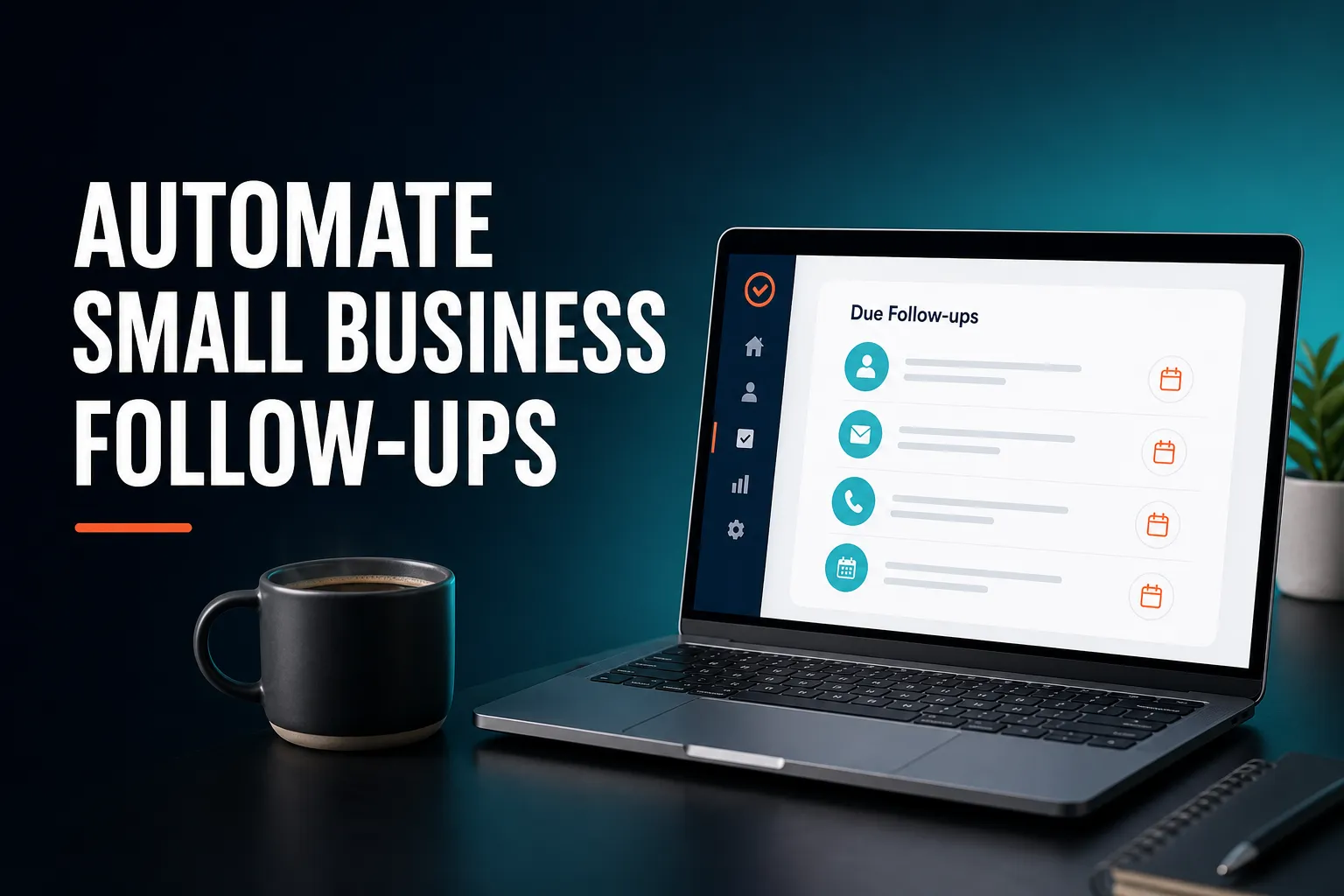
Most CRMs can automate parts of sales follow-ups, so the real question is which kind of automation you need. For a small business, the best fit is usually a CRM that keeps a follow-up date against each contact, reminds you when it is due, and helps you write the message. AICRM does this through a Daily Brief and saved email drafts, while larger sales teams that need a deal pipeline may be better served by a different CRM.
Which CRM can automate sales follow-ups for a small business?
Several can. HubSpot, Pipedrive, Close, folk, Attio, monday CRM and Less Annoying CRM all have some form of follow-up reminder or next-action feature, and AICRM is another option. The right choice depends on whether you need a sales deal pipeline, how many people will use it, and how much setup you are prepared to do. AICRM is aimed at small teams who want to be told what needs attention.
Before comparing products, it helps to know that "automating follow-ups" covers four quite different things. Most small businesses only need the first two or three.
| Level | What it does | Good for | Trade-off |
|---|---|---|---|
| Reminders | Stores a date and tells you when it is due | Anyone who forgets to follow up | You still write and send every message |
| Reminders plus drafts | The reminder comes with a message ready to review | Owners and small teams who want to stay personal | You still press send |
| Segment-triggered emails | Sends a campaign when a contact enters a group, such as "inactive for 90 days" | Re-engaging many customers at once | Less personal, and only as good as the segment |
| Multi-step sequences | Sends a series of timed emails automatically | Higher-volume outbound sales | More setup, and can feel robotic if overused |
AICRM covers reminders, drafts and segment-triggered emails. Its automation (version 1) triggers a campaign the moment a contact enters a segment. The Features text does not describe long, timed multi-step outbound sequences, so if those are central to how you sell, a tool built around them may suit you better. You can check the Features page or ask us before you commit.
What CRM can automatically remind me to follow up with leads?
Any CRM that stores a follow-up date per contact and notifies you when it is due can do this. AICRM keeps a next follow-up date and a reason on each contact. Due and overdue ones appear in the Daily Brief when you open the dashboard, and the brief is also emailed at 7am on weekdays in your timezone, unless there is nothing to act on.
The detail that matters is not whether a reminder exists but how it reaches you and what it says. When you compare tools, check four things:
- Does it reach you without you looking? A reminder buried in a tab you rarely open is the same as no reminder. An email at the start of the day is hard to miss.
- Does it give the reason? "Follow up with Priya" is weak. "Priya asked for a demo next week" tells you what to do.
- Does it get set automatically? If every date has to be typed in by hand, dates will be skipped on busy days.
- Does it clear itself? A reminder you have to tick off after you have already spoken to the person is one more chore.
How AICRM sets and clears reminders
You can set a follow-up by hand on the contact, ask the agent to set one, or let AICRM pick one up from a conversation you log. If a note, call, meeting or email says "call me after the 15th" or "I'll send it Friday", AICRM reads the date from it. When you later log a conversation with that contact that does not contain a new follow-up, the due one is marked as done.
There are limits worth knowing. AICRM only reads follow-ups from conversations logged in it: notes, calls and meetings you record there, and emails sent from AICRM or BCC'd or forwarded to it. It does not listen to calls or read your inbox. It also does not send mobile push notifications, so the reminders come through the dashboard and the weekday email.
What does automating a follow-up actually involve?
Automating a follow-up means handling four jobs: knowing when it is due, knowing who needs it, knowing what to say, and sending it. Most small businesses should automate the first three and keep the last one in human hands. That keeps the speed of automation without sending messages you have not seen.
1. Knowing when
This is the date-and-reason part. It is the foundation, and the one most people skip because adding a date feels like admin. The fix is to make the date a by-product of something you already do, such as logging a call.
2. Knowing who
When you have forty contacts and time for five, you need a short list. In AICRM, asking "what needs my attention?" or "what should I do next?" returns one ranked list built from the Daily Brief data: overdue follow-ups and hot signals first, then follow-ups due today, unanswered emails, contacts back on your website, warm signals and open tasks, each with its reason. It does not rank these by lead score. If you want your best prospects by score, you can ask for your highest-scoring contacts separately, based on the rules you set (job title, industry, company size, location, source, recency, email opens and site visits).
3. Knowing what to say
This is where drafts help. Ask the agent to "draft follow-ups for my top three contacts" and it saves a plain-text draft on each contact. Nothing is sent. The drafts show on the contact and in the Daily Brief, and you review, edit and send (or discard) them from the contact. For company news and job title changes, AICRM's signals feature also drafts an outreach message for the ones that matter.
4. Sending
The agent only sends when you explicitly ask it to, after confirming. That keeps you in control. For one-to-one follow-ups, a quick read before sending is cheap insurance against a wrong name or an awkward line.
How do I set up automated follow-ups in a small business?
Start by deciding which moments need a follow-up, get your contacts into one place, and make every conversation leave a next date behind. Then choose how you will be reminded and use drafts to cut the writing time. Keep full automation for groups, such as customers who have gone quiet, rather than for individual leads.
Here is a practical order of work.
- List your follow-up moments. Typical ones: after an enquiry, after a meeting, after sending a quote, and when a customer has gone quiet. Write down how long you would normally wait for each.
- Get contacts into one record. In AICRM, forms, imports and manual edits all write to the same contact table. CSV import maps fields automatically, reports failed rows individually, and detects duplicates by email, so re-importing does not create copies.
- Make every conversation leave a date. After a call, log it and say what happens next. "Log a call with Priya, she wants a demo next week" is enough for the agent to log it and offer to set a follow-up task.
- Pick your reminder channel. In AICRM that is the Daily Brief on the dashboard plus the 7am weekday email, which you can switch off in Settings if you would rather not have it.
- Use drafts for the writing. Batch your drafts once a day rather than writing from scratch each time.
- Automate the group cases. Build a segment such as customers with no contact in 90 days or more, then set an automation that sends a re-engagement campaign when a contact enters it.
- Review weekly. Look at what was overdue, what got replies, and whether your waiting times are right.
A worked example
Imagine a three-person consultancy. On Monday morning the owner opens the dashboard. The brief shows two follow-ups due (one from a call logged the previous Thursday, where the client said to come back after the 15th), one email still awaiting a reply, and a known contact who has returned to the website after submitting a form last month. Monday's brief covers the weekend, so nothing from Saturday or Sunday is lost.
The owner asks for follow-up drafts for those three contacts, reads each one on the contact record, changes a line or two, and sends. The whole thing takes a few minutes, and no one had to remember anything. That is the practical meaning of automating follow-ups: the system remembers and prepares, and you decide.
How do I know which leads have not replied to my emails?
You need a CRM that tracks emails sent from the CRM itself and flags the silent ones. In AICRM, one-to-one emails sent from AICRM (by the agent or the contact's Send Email button) show as "awaiting a reply" in the Daily Brief after 3 days with no reply, call or meeting, and they stay there for up to 14 days. You can also ask the agent to list them.
This is useful because the most common follow-up failure is not forgetting a meeting but forgetting that nobody answered. Chasing is easier when the list builds itself.
The boundary is important. No-reply detection does not cover campaign or automation emails, and it does not cover emails you send from your own inbox. If you want the no-reply flag, send your one-to-one emails from AICRM. Emails you BCC or forward to AICRM are logged on the contact and can still feed follow-up dates, but the 3-day no-reply flag applies only to emails sent from AICRM.
What should a small business look for in a follow-up CRM?
Look for low-effort capture, a clear daily view, helpful drafting and honest limits. A CRM that needs ten minutes of data entry per conversation will not get used. Prefer one that surfaces what needs attention, supports your sales process without forcing a complicated one, and charges in a way you can predict.
A short checklist:
- Capture that costs seconds. Dates should come from calls, notes and emails you are already logging.
- One daily view. Follow-ups, tasks, replies you are waiting on and customer activity in one place, not three tabs.
- Drafts with human review. Time saved on writing without messages going out unseen.
- Context on the contact. A full timeline of calls, emails, meetings, notes and page views, so you remember what happened last time before you write.
- Plain pricing. AICRM has no per-seat charge and no usage limit on segments, campaigns or automation. Plans differ in voice-agent minutes and contact limits: Starter is $29 a month (120 voice minutes, up to 2,000 contacts), Growth is $79 (400 minutes, up to 5,000 contacts) and Power is $149 (600 minutes, up to 20,000 contacts). Extra voice minutes cost $0.15 each, with a $2 a day safety cap.
- The right model for your sales. If you track deals through stages, you need to know whether the CRM has a deal pipeline.
When is a different CRM a better choice?
Choose something else if you need a sales deal pipeline with stages, a large team working a shared pipeline, heavy outbound sequences, or built-in calling and SMS. AICRM is built around contacts, lifecycle stages, lead scores, segments, tasks and campaigns. It has no deal pipeline, and no phone dialler or SMS.
If you are asking about "deals", it is worth being plain about this. For many small teams, lifecycle stages plus a follow-up task on each contact cover what a deal board would have done. But if your business genuinely depends on moving deals through stages, with values and forecasts, a CRM such as Pipedrive or HubSpot is likely to suit you better.
A few other cases where another tool may fit better:
- Large sales teams that need shared pipelines and forecasting.
- High-volume outbound where timed, multi-step sequences are central. AICRM's automation (version 1) triggers a campaign when a contact enters a segment, so a sequence-focused tool may fit better here.
- Call-heavy sales where the dialler and call recording need to live inside the CRM.
- Teams who live in their inbox and want drafts to appear in Gmail or Outlook. AICRM drafts are saved on the contact, do not sync to your own drafts folder, are one-to-one only, and cannot be scheduled for later.
AICRM tends to fit founders, consultants, small-business owners and small teams who want to stay on top of customers with less admin, and who would rather be told what to do next than build reports to find out.
What are the risks of automating follow-ups?
The main risks are sounding generic, contacting the wrong person at the wrong time, and trusting reminders that depend on data you have not logged. Reduce them by reviewing drafts before sending, keeping full automation for broad groups, and logging conversations so the reminders reflect reality.
- Generic messages. A follow-up that could have been sent to anyone usually gets treated that way. Edit drafts so they mention something specific from the last conversation.
- Over-automating individuals. Automatic emails suit a segment of quiet customers. A warm lead who asked for a demo deserves a message from you.
- Gaps in the data. AICRM can only pick up what is logged. If a call happened and nobody logged it, there will be no reminder.
- Alert fatigue. If your brief fills up with low-value items, you will stop reading it. Keep your inactivity threshold (90 days by default) sensible and clear overdue items so they do not pile up.
The fix for most of these is the same habit: log what happened, say what happens next, and read before you send.
What is a sensible next step?
Try it on a handful of real contacts rather than judging from a feature list. Import a CSV, log a couple of recent conversations, and see whether the Daily Brief tells you what you would otherwise have forgotten. AICRM has a 7-day free trial with full features. A card is required up front, but you are not charged until the trial ends.
If you want to look first, the Features page lists everything the agent can do, the pricing page shows the three plans, and the demo page has a walkthrough. If you have a specific setup in mind, you can get in touch.
Frequently asked questions
Which CRM can automate sales follow-ups for a small business?
Many can, including HubSpot, Pipedrive, Close, folk, Attio, monday CRM, Less Annoying CRM and AICRM, each with some form of reminder or next-action feature. AICRM suits small teams that want a Daily Brief of what needs attention and email drafts to review and send. If you need a deal pipeline, a CRM with deal stages will fit better.
What CRM can automatically remind me to follow up with leads?
Any CRM with follow-up dates and notifications can. In AICRM, each contact has a follow-up date and reason, and due or overdue ones appear in the Daily Brief on the dashboard. The brief is also emailed at 7am on weekdays in your timezone, and skipped when there is nothing to act on.
Can AICRM send follow-up emails automatically?
Partly. The agent can draft one-to-one follow-ups and saves them on the contact, but it only sends when you explicitly ask, after confirming. Separately, automation can send a campaign when a contact enters a segment, such as customers inactive for 90 days. One-to-one drafts cannot be scheduled for later.
Does AICRM know when a lead has not replied to my email?
Yes, for one-to-one emails sent from AICRM. After 3 days with no reply, call or meeting, they show as awaiting a reply in the Daily Brief for up to 14 days. It does not cover campaign emails, automation emails or emails sent from your own inbox.
Does AICRM have a sales deal pipeline?
No. AICRM is built around contacts, lifecycle stages, lead scores, segments, tasks and campaigns. Many small teams use lifecycle stages and follow-up tasks where others would use deals, but if you need deal stages and forecasting, another CRM is a better choice.
Does AICRM read my inbox or listen to my calls to find follow-ups?
No. It picks up follow-up dates only from conversations logged in AICRM: notes, calls and meetings recorded there, and emails sent from AICRM or BCC'd or forwarded to it. A phrase like "call me after the 15th" in a logged note can become a follow-up date.