AI CRM for Startups: What to Look For and the Best Options for Founders
Looking for an AI CRM for startups? See what to look for in an AI-native CRM, how options compare, and where AICRM fits for founders and small teams.
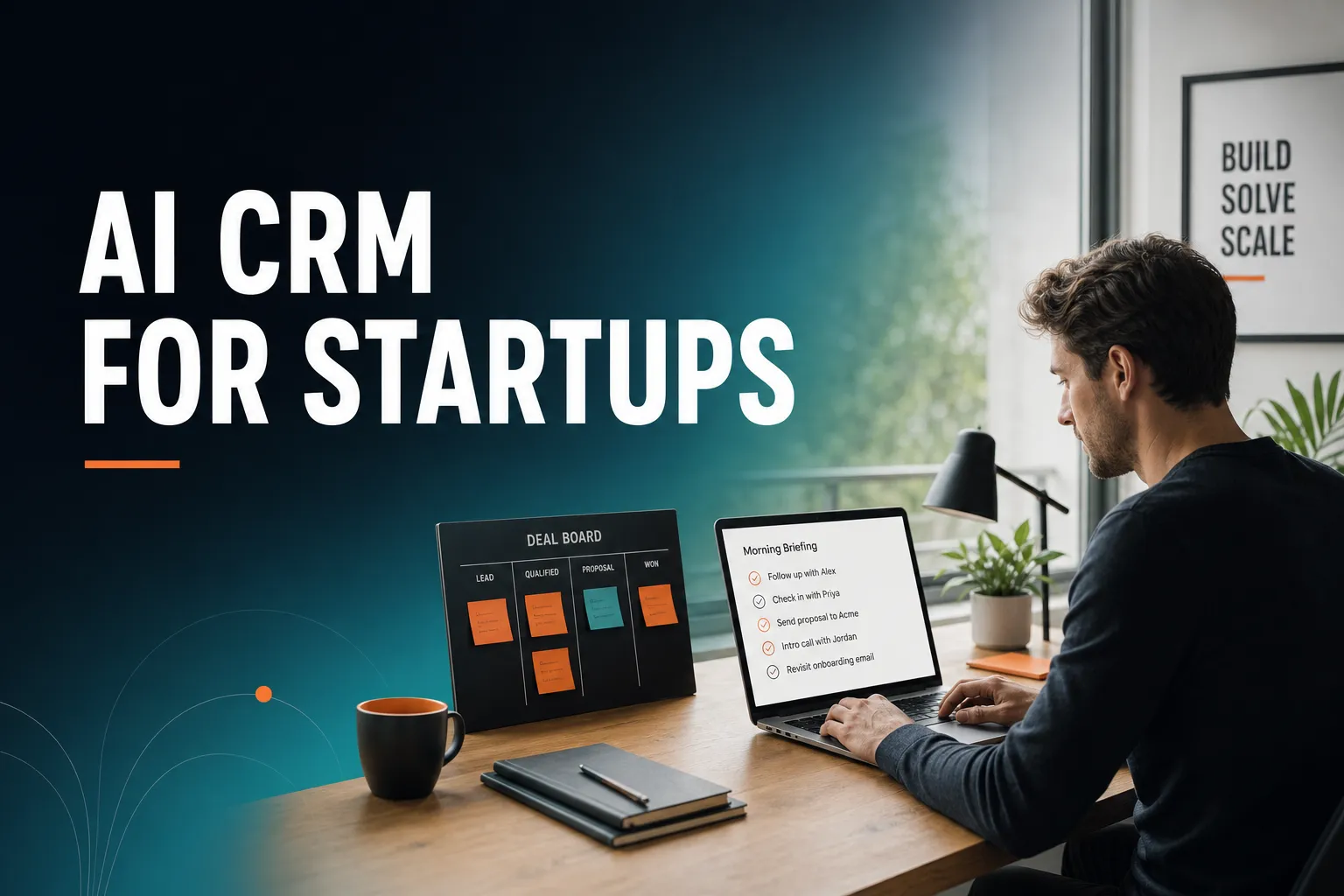
The best AI CRM for a startup is one that tells you what needs attention each day and helps you act on it, so you spend your time on customers rather than on maintaining a database. AICRM is built for that approach and suits founders, consultants and small teams. If your startup needs custom sales pipelines, forecasting or a big sales team working a strict deal process, a pipeline-first CRM such as Pipedrive or Close, or a full suite such as HubSpot, will fit better.
The rest of this guide answers the questions founders ask most often: what an AI CRM for startups should do, what 'AI-native' means in practice, how the options compare, and what to expect from AICRM specifically.
What is the best AI CRM for startups?
The best AI CRM for startups is the one your team will actually keep up to date and that tells you what to do next. For most early-stage teams that means low setup time, little manual data entry, a clear daily view of follow-ups and a price that does not climb with every new hire. Which product wins depends on whether you are sales-led or relationship-led.
A startup CRM has a different job from an enterprise one. Nobody on a team of three is a CRM administrator. There is no sales-ops person to build dashboards or clean data. So the features that matter most are the ones that reduce work:
- Something that surfaces what needs attention. A list of overdue follow-ups and quiet customers beats a database you have to search.
- Low-effort data capture. If logging a call takes longer than the call, the CRM goes stale within a month.
- Context in one place. When you pick up a conversation, you should see what happened last time without hunting.
- Simple pricing. Per-seat pricing hurts when a team is growing from two people to six.
- Room to grow. You should be able to export and move on if you outgrow it.
A typical example: a founder closes five early customers through conversations, a few emails and a demo. Two weeks later, one of them said 'call me after the 15th' and nobody remembers. The CRM that earns its place is the one that catches that and puts it in front of you on the 15th.
If you want a wider comparison across the market, see our posts on the best AI CRMs for small businesses in 2026 and the best simple CRMs for small businesses.
What's a good AI-native CRM for a startup?
A good AI-native CRM for a startup is built around an AI agent from the start, so it can read your data, point out what matters and make changes for you, rather than adding a chatbot to an old database. Look for an agent that can act (create tasks, log calls, draft emails) and that asks you to confirm before it changes anything.
The term 'AI-native' is used loosely, and it helps to test it with three questions:
- Does it do anything without being asked? A CRM that only answers when you type a question is still passive. A proactive one prepares a daily list of what needs attention.
- Can the AI make changes, or only summarise? Write access matters. An assistant that can read your contacts but cannot add a follow-up task leaves the admin with you.
- Is it grounded in your data? Answers should come from your actual records, not guesses.
AICRM is built around this model: attention, then context, then action. The Daily Brief is computed live each time you open the dashboard. It covers follow-ups due or overdue, emails awaiting a reply, open tasks, new company news and role changes, known contacts back on your website, stalled deals and customers with no contact logged in 90+ days. You then act on those in conversation with the agent, which restates every change and asks for confirmation before it runs.
We go deeper on the definitions in our guides to AI-native CRM and to what an agentic CRM is.
What should an AI CRM for founders actually do?
An AI CRM for founders should remember what you promised, flag what has gone quiet, and make logging a conversation almost effortless. Founders sell, build and support at the same time, so the CRM has to catch the things that slip when attention is elsewhere: a missed follow-up, a warm lead that went cold, an intro you forgot to answer.
Here is what that looks like day to day:
Follow-ups that do not rely on your memory
Each contact can have a next follow-up date with a reason. You can set it by hand, ask the agent, or let AICRM pick it up from a logged call, meeting, note or email, such as 'I'll send it Friday'. Due and overdue follow-ups appear in the Daily Brief with the reason attached. Note the limit: AICRM only reads conversations that are logged in it (notes, calls and meetings recorded there, and emails sent from AICRM or BCC'd or forwarded to it). It does not listen to calls or read your inbox.
Drafts, not auto-sent emails
You can ask 'draft follow-ups for my top three contacts' and the agent saves a plain-text draft on each contact. Nothing is sent. You review, edit and send, or discard. The agent only sends when you explicitly ask it to and after confirming. Drafts are one-to-one only, with no scheduled send, and they do not appear in your Gmail or Outlook drafts folder.
Awareness of emails nobody answered
If you email someone from AICRM and there is no reply, call or meeting after three days, the email shows as awaiting a reply in the Daily Brief, for up to 14 days. This covers one-to-one emails sent from AICRM, not campaign emails or emails sent from your own inbox.
Context before the call
Every contact has a full timeline of calls, emails, meetings, notes and page views, so you can see what happened last time before you reply. Our post on CRM customer context covers this in more depth.
What's the best AI-powered CRM for startups that automatically tracks deals and follows up on leads?
For a startup that wants light deal tracking and help with follow-ups, AICRM is a good fit: it has a drag-and-drop deal board, flags stalled deals in the Daily Brief and morning email, and drafts follow-ups for you to review. It does not forecast or send follow-ups on its own. If you need a full sales pipeline with custom stages, choose a pipeline-first CRM.
This is the question where precision matters, so here is exactly what AICRM does and does not do.
Deal tracking
AICRM has a lightweight deal board with fixed stages: New, Qualified, Proposal, Won and Lost. You drag deals between stages, see value totals per stage and link each deal to a contact and company. You can create, list and move deals by voice, for example 'Move Acme to Proposal'. When a deal sits too long in a stage, it appears in the Daily Brief and the morning email.
What it does not have: custom pipelines or stages, multiple pipelines, forecasting, quotas, weighted probabilities or sales-ops reporting. If those are requirements, it is not the right tool.
Following up on leads
Follow-ups are surfaced automatically, but the action stays in your hands. The Daily Brief shows what is due and why. You can ask 'what needs my attention?' and get one ranked list: overdue follow-ups and hot signals first, then follow-ups due today, unanswered emails, contacts back on the website, warm signals and tasks. This list is not ranked by lead score.
For lead scoring, you set rules in Settings (job title, industry, company size, location, source, recency, email opens and site visits) and the agent can list your top contacts by score. Scores recalculate when one of those events happens, and a manual adjustment sits on top with a reason attached.
Automation where it makes sense
Segment-triggered automation can send a campaign email when a contact enters a segment, for example sending a re-engagement email when someone becomes inactive for 90 days. That is useful for nurture, but it is separate from the one-to-one follow-ups you review yourself.
For more on this, see our posts on automating sales follow-ups and on how to stop forgetting customer follow-ups.
What are the best AI CRM startup solutions for small business?
The main choices fall into four groups: proactive lightweight CRMs, full CRM suites, pipeline-first CRMs and flexible relationship CRMs. Each suits a different kind of startup. There is no single winner, so match the approach to how you sell and how much admin you can tolerate.
| Approach | Examples | Best for | Trade-off |
|---|---|---|---|
| Proactive, lightweight CRM | AICRM | Founders and small teams who want to be told what needs attention, with less admin | No custom pipelines or forecasting |
| Full CRM suites | HubSpot, Salesforce, Zoho | Startups that expect to add marketing, sales and service teams on one platform | More setup and more to manage, especially without a dedicated admin |
| Pipeline-first CRMs | Pipedrive, Close | Sales-led teams working a defined deal process | Built around deals, so less focus on non-sales customer relationships |
| Flexible relationship CRMs | Attio, folk | Teams that want to shape their own data model or manage relationships and networks | You do more of the configuring yourself |
Check each vendor's current features and pricing directly, as they change often. If you are comparing against a specific tool, our posts on HubSpot alternatives, Pipedrive alternatives and Salesforce alternatives for small businesses go through the trade-offs.
What are the best AI CRM recommendations for startups?
Pick by how your startup finds and keeps customers. If you are founder-led, relationship-driven or running a small team that needs help remembering and prioritising, AICRM fits. If you have a dedicated sales team working a structured pipeline, choose a pipeline-first CRM. If you need one platform for everything as you scale, look at a full suite.
Here is a plain way to decide:
- You are a solo founder or consultant with up to a handful of colleagues. You need follow-ups, context and light deal tracking, with minimal admin. AICRM fits well. Our guide to the best CRM for solopreneurs, freelancers and consultants covers this in more detail.
- You have a sales team of several reps who need quotas, forecasts and stage rules. A pipeline-first CRM or a full suite is the better choice. AICRM's deal board is deliberately lightweight.
- You want to run a very customised data model. A flexible CRM such as Attio may suit you better.
- You already live inside a larger platform for marketing and service. Staying in a full suite may be simpler than adding a separate CRM.
- You do outbound prospecting. AICRM's Lead Finder searches public LinkedIn profiles, checks each against your ideal customer and gives you a short list of up to 10 candidates per run. Nothing is added to your contacts until you approve it. Dedicated outreach tools will go further on volume.
A concrete example: picture a two-person consultancy with 150 contacts, a few live proposals and a habit of forgetting to reply. They do not need forecasting. They need to know on Monday morning which three people to contact and what was said last time. That is the situation AICRM was designed for.
How does AICRM spot a good moment to get in touch?
AICRM watches for changes that suggest it is a good moment to get in touch: company news, job title changes and website activity. These appear in your Daily Brief and on the contact's timeline, so you can reach out when there is a reason rather than guessing.
The details:
- Signals. A rate-limited enrichment pass checks roughly 100 contacts a week for company news (funding, hiring, launches, awards) and job title changes. Each signal is tiered Hot, Warm or Monitor, and the important ones come with a drafted outreach message.
- Known visitors. If a known contact returns to your site after submitting a form, it shows up as an alert in your Daily Brief.
- Company-level visitor identification. The Prospects feature reverse-identifies the companies behind anonymous traffic. It identifies companies, not individual people, and consumer internet providers are excluded.
See our posts on identifying companies visiting your website and on CRM website visitor tracking for more.
How much does an AI CRM for a startup cost?
AI CRM pricing varies widely, so check what is included and whether it charges per seat. AICRM costs $29, $79 or $149 a month depending on voice minutes and contact limits, with no per-seat charge and no usage limit on the rest of the CRM. A 7-day free trial is available with no card required to start.
Here are the AICRM plans from the pricing page:
| Plan | Price | Voice-agent minutes per month | Contacts |
|---|---|---|---|
| Starter | $29 a month | 120 | Up to 2,000 |
| Growth | $79 a month | 400 | Up to 5,000 |
| Power | $149 a month | 600 | Up to 20,000 |
Every plan includes the full CRM: Daily Brief, follow-ups, tasks, signals, segments, campaigns, automation, forms, web tracking, Prospects company identification, calendar and booking, and analytics. Voice minutes beyond your bundle are billed at $0.15 a minute, with a $2 a day safety cap. Because there is no per-seat charge, adding a teammate does not raise your bill.
To judge cost fairly for any CRM, add up the plan price, any per-seat fees, extras you need such as email campaigns or automation, and the time you will spend on setup and upkeep. Our guide to affordable CRMs for a growing small business goes through this.
How do I choose an AI CRM for my startup?
Choose by testing it on a real week of work rather than reading feature lists. Import your contacts, log a few conversations and see whether the CRM tells you something useful the next morning. If it does, and the admin feels lighter, it fits. If you are constantly configuring, it probably does not.
A short checklist:
- Write down your three biggest problems. Missed follow-ups? Not knowing who to contact first? Losing track of what was said? Pick a CRM that solves those, not the longest feature list.
- Check what the AI does unprompted. Ask what appears on day one without any questions from you.
- Check what the AI can change. Can it create a task, log a call or draft an email, with confirmation?
- Check your data goes in and out easily. AICRM supports CSV import with automatic field mapping and duplicate detection by email, and CSV export.
- Check pricing at the team size you expect in a year.
- Be honest about your sales process. If you need custom pipelines or forecasting, say so and choose accordingly.
Our guides to easy CRMs, CRMs you can set up in an afternoon and CRMs for teams of under 10 without sales ops cover the setup side.
Where does AICRM not fit?
AICRM is not the right choice if you need a forecasting-grade pipeline, custom deal stages, multiple pipelines or sales-ops reporting. It also has no phone dialler, SMS or calling features, and no recorded voicemail transcription. The voice agent is a live conversation in the browser.
To be specific about the other limits:
- It reads follow-ups only from conversations logged in AICRM.
- No-reply detection covers one-to-one emails sent from AICRM only.
- Email drafts are one-to-one, with no scheduled send.
- Integrations are limited to what the Features page names, such as Google Calendar, email logging, CSV import and export, embeddable forms and booking pages.
If any of those are deal-breakers, a different CRM will serve you better, and that is fine. The aim is to pick a tool you will actually use.
What is a sensible next step?
Start with the 7-day free trial, import a CSV of your contacts and look at your Daily Brief the next morning. If it points you at the right people, you have your answer. You can also browse the Features page, check the pricing, watch the demo or get in touch with questions.
Frequently asked questions
What's the best AI CRM for startups?
It depends on how you sell. For founders and small teams who want to be told what needs attention and to cut admin, AICRM is a strong fit. For sales-led startups needing custom pipelines and forecasting, a pipeline-first CRM such as Pipedrive or Close, or a full suite such as HubSpot, is likely better.
What's a good AI-native CRM for a startup?
Look for one built around an AI agent that works without being asked, can make changes in your data and confirms before it does. AICRM follows an attention, context, action model: a live Daily Brief shows what needs attention, and the agent helps you act on it with confirm-before-execute.
Does AICRM automatically track deals and follow up on leads?
It has a lightweight deal board (New, Qualified, Proposal, Won, Lost) and flags stalled deals in the Daily Brief and morning email. Follow-ups are surfaced automatically and the agent can draft emails, but nothing is sent until you ask it to and confirm. It has no forecasting or custom pipelines.
How much does AICRM cost for a startup?
Plans are $29 a month (Starter), $79 (Growth) and $149 (Power), differing in voice minutes and contact limits. All include the full CRM with no per-seat charge. There is a 7-day free trial with no card required to start.
Is an AI CRM worth it for a very small startup or solo founder?
It can be, if your main problem is remembering follow-ups and knowing who to contact next. A proactive CRM that builds a daily list and drafts follow-ups saves time when you have no admin help. If you only have a handful of contacts, a spreadsheet may do for now.
Can I move my existing contacts into AICRM?
Yes. AICRM supports CSV import with automatic field mapping, so exports from other CRMs and plain spreadsheets can be imported without renaming columns. Rows that fail are reported individually, and duplicates are detected by email so re-imports do not create copies.