AI Audience Segmentation: A Practical Guide for Small Businesses
AI can build and keep customer segments current from plain-language requests. A practical guide for small businesses, with examples and trade-offs.
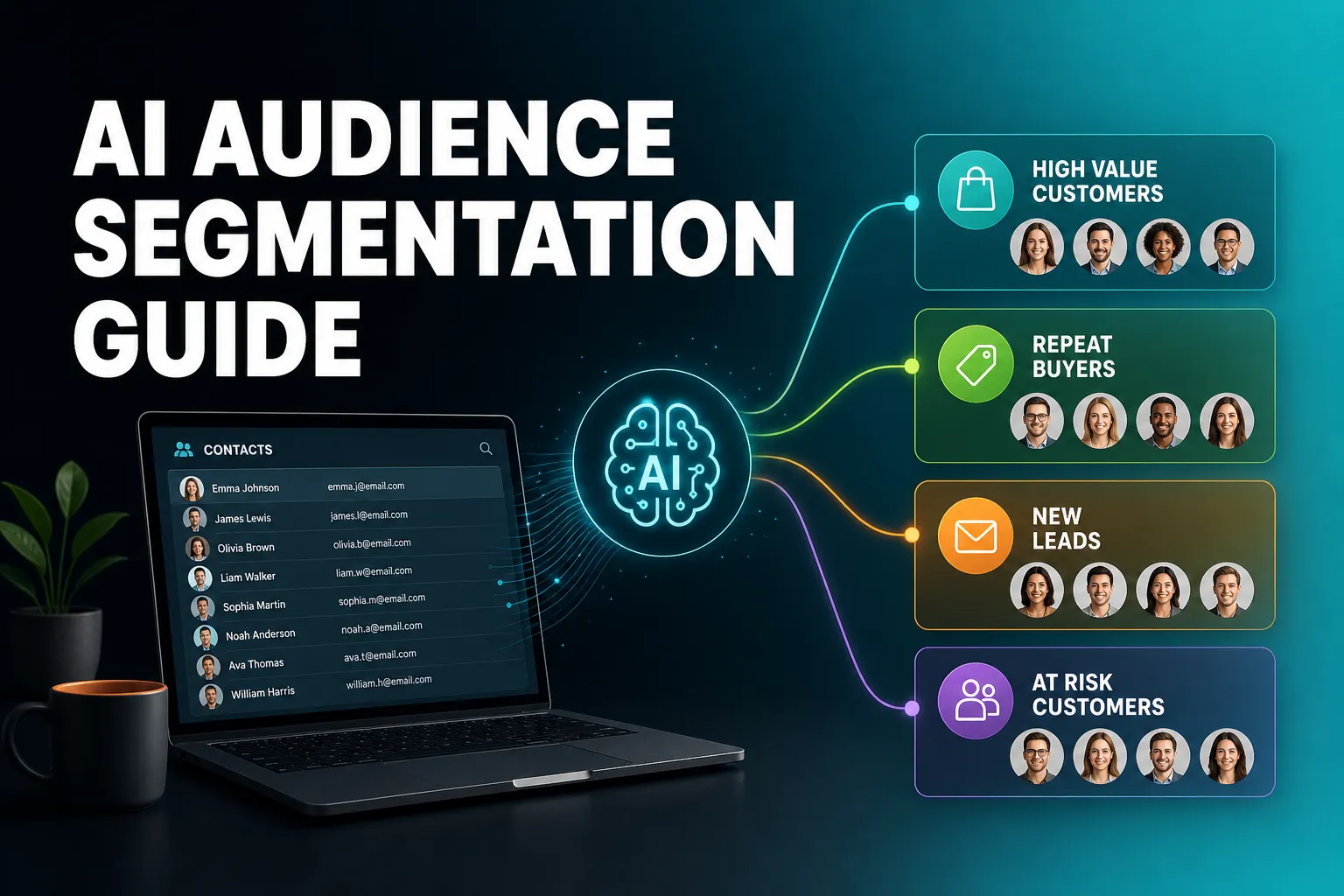
AI can help you segment your audience, and for a small business the most practical way to use it is to describe the group you want in plain words, let the AI build it from your CRM data, and then match one clear message to that group. Start with a single campaign goal, make sure your contact data is tidy, build three to five segments you can explain, and check who is in each one before you send anything. AI speeds up building and maintaining segments. It does not decide what each group needs to hear.
This guide covers what AI segmentation actually is, how to use it for targeted campaigns, what to get right before you start, which segments to build first, and where the trade-offs are. It also says where AICRM fits and where another tool is the better choice.
What is AI audience segmentation, and how is it different from ordinary segmentation?
AI audience segmentation means using AI to help divide your contacts into groups that share something useful, such as how engaged they are, where they came from or how long it has been since you last spoke. Ordinary segmentation means setting every filter by hand. AI can help in three places: building the segment, deciding who belongs in it, and drafting what you say to them.
The word 'AI' covers quite different things, so it helps to separate them.
- Building segments from a plain request. You say 'customers we have not spoken to for three months' and the AI turns that into working filters. This saves time and removes the need to learn a filter screen.
- Scoring and spotting. Rules or models rate contacts so the most promising ones can be found. Some larger platforms use predictive models that estimate who is likely to buy or leave. Those generally need a good amount of history to be reliable, which many small businesses do not have.
- Drafting for each group. The AI writes a first version of the email or follow-up for a segment, and you edit it.
For a list of a few hundred or a few thousand contacts, the first and third are usually where the day-to-day value is. A clear, rules-based score you can see the reasons for is often more useful than a prediction you cannot explain.
How can I effectively use AI to segment my audience for targeted marketing campaigns?
Start with one campaign goal, such as winning back customers who have gone quiet or following up new enquiries. Check that your contact data has the fields that goal needs, ask the AI to build the segment from a plain description, check who is in it, then write one message for that group and test it. Repeat for a few goals before building more.
Here is the process in more detail.
1. Pick one goal before you pick a segment
Segments exist to support a decision: who gets this email, who gets a phone call, who gets left alone. If you cannot say what you would do differently for a group, you do not need that group. 'Past customers who have not heard from us in a while' is a goal. 'Everyone in marketing roles' is only a label until you know what you want to say to them.
2. Check your data covers the goal
If your goal is re-engagement, you need to know who is a customer and when you last had contact. If it is prioritising new leads, you need a source and some signal of interest. Fix gaps first. The data section further down covers this in detail.
3. Describe the group in plain words
This is where AI saves real time. Instead of building filters, you say what you mean, check the AI's restatement, and let it build the segment. The key habit is reading the restatement carefully. 'Customers' and 'contacts' are not the same group, and 'quiet' needs a number of days.
4. Check who is actually in it
Open the segment and look at the members. Do a quick sanity check on five or ten of them. If you spot people who should not be there, the filter is wrong or the data is. Fix that before sending.
5. Write for the segment, not for everyone
One message per segment is the point. A customer who has gone quiet needs a different email from a warm lead who visited your site twice. Let the AI draft a first version, then add the specifics only you know.
6. Test and review
Send, look at opens and clicks, and change one thing at a time. Testing two versions of a subject line or opening paragraph on the same segment tells you more than sending to a broader group and guessing.
A concrete example
Say you run a small training business with around 600 contacts. Your goal this month is to fill the next course date. You build three segments: past customers who have not been in touch for 90 days or more, current leads with the highest scores, and people who completed your enquiry form in the last few weeks. Each gets a different email. The past customers get a short 'it has been a while' note, the high-scoring leads get a personal follow-up from you, and the new enquirers get a clear next step. Three groups, three messages, one goal.
How AICRM handles this
In AICRM you ask the agent to build a segment, and it restates what it is about to create and asks you to confirm before it runs. Segments can be built on lead score, lifecycle stage, status, industry, source or inactivity, and those filters combine. Segments are live, so viewing the contacts always shows who is in the group right now, not who was in it when you built it. You can then ask the agent to draft an email campaign aimed at that segment, with A/B message variants and open and click tracking. The agent works by real-time voice conversation in the browser, so voice minutes from your plan's bundle are used when you build things this way.
Can AI help me build CRM customer segments?
Yes. AI can turn a plain request like 'customers we have not contacted in 90 days' into a working segment, find your highest-scoring contacts, and keep groups current as your data changes. What it cannot do is know your business. You still decide which groups matter, and a segment is only as good as the data behind it.
What AI is good at here
- Translating a plain description into filters, so you do not need to learn a query screen.
- Finding contacts who match a pattern across many records, such as everyone who has gone quiet.
- Keeping segments up to date automatically as contact data changes.
- Drafting a first message for each group.
What it is not good at
- Deciding your strategy. It will build whatever you ask for, including a segment that makes no commercial sense.
- Fixing bad data. If lifecycle stages are inconsistent or half your contacts have no source, the segment will reflect that.
- Knowing what happened outside your CRM. A contact you spoke to by phone last week but never logged can look like they have gone quiet.
How AICRM handles it
AICRM is built around contacts, lifecycle stages, lead scores, segments, tasks and campaigns. The agent can build a new segment, edit a segment's filters or delete one, and every change is restated and confirmed before it runs. It can also find customers who have gone quiet (the default is no contact in 90 days, and you can change the number of days) and turn them into a segment. New company news and job title changes found for your contacts can also be turned into a segment, so 'contacts whose company just raised funding' becomes a group you can act on.
Lead scoring is rules-based, not a black box. You set the rules in Settings with no code: job title, industry, company size, location, lead source, recency, email opens and site visits. The score recalculates when one of those events happens. If you disagree with a score, you can add a manual adjustment with a reason, and the AI score stays visible underneath. That makes a 'high-scoring leads' segment something you can explain to a colleague.
In practice this follows a simple pattern: AICRM surfaces who needs attention, gives you the context on each contact, and helps you act in the same conversation. The Daily Brief, for example, includes a count of customers with no contact logged in 90+ days, and a segment is the natural next step for doing something about them.
What data do I need before AI segmentation works?
You need a few consistent fields: who each contact is (job title, industry, company size), where they came from (source), where they are in the relationship (lifecycle stage and status), and what they have done (emails opened, site visits, last contact). Messy or missing data produces misleading segments in any tool, AI or not. A small, consistent dataset beats a large, patchy one.
Tidy the basics first
- One record per person. Duplicates split a contact's history across two records and distort every segment. AICRM's CSV import detects duplicates by email, so re-importing a list does not create copies, and rows that fail are reported individually.
- A lifecycle stage on every contact. Even a simple set of stages (lead, customer, inactive) gives you something solid to segment on.
- A source on every contact. Knowing whether someone came from a form, an import or a referral lets you segment by how they found you.
- Consistent industries. 'Marketing agency', 'agency' and 'Marketing' will not group together unless someone standardises them.
Log the conversations
Segments based on inactivity depend on knowing when you last spoke to someone. AICRM only knows about conversations that are logged in it: notes, calls and meetings you log there, and emails sent from AICRM or BCC'd or forwarded to it. It does not read your inbox or listen to calls. If you email customers from your own inbox without copying AICRM in, they may look quiet when they are not. Building the habit of logging, or of BCC'ing, matters more than any filter setting.
Be careful with website data
AICRM recognises known contacts when they return to your website after submitting a form. Anonymous visitors are identified at company level only, using reverse IP lookup with consumer internet providers excluded. It does not identify individual anonymous people, so do not treat a company-level visit as a named person when you build a segment.
What are the best practices for using AI in audience segmentation for a small business?
Keep it simple. Build a few segments that each lead to a different action, use data you trust, let the AI do the building and upkeep but check the results, keep the rules visible so you can explain why someone is in a group, and test messages per segment. Avoid slicing so thinly that groups become too small to learn anything from.
Segment for a decision
Every segment should answer 'what will I do differently for these people?'. If two segments would get the same email, merge them.
Start with three to five segments
It is easy to ask an AI for twenty segments in a minute. It is much harder to write twenty good messages. Begin with the few that match your most pressing goals, and add others only when you have the time to act on them.
Prefer segments you can explain
If you cannot say in one sentence why someone is in a group, you will struggle to write to them and to trust the result. Rules you can read, such as 'customer, inactive for 90 days or more', are easier to defend and fix than a score that no one can unpick.
Combine attributes with care
Combining filters makes segments more precise, but each extra condition shrinks the group. 'Customers, in one industry, with a high score, who have gone quiet' might leave you with four people. That is fine for a personal email, and too few for a test.
Check before you send
Look at the members. Read the AI's restatement of what it built. A two-minute check catches most mistakes, such as a segment that includes people who unsubscribed or leads you are already speaking to.
Keep segments live, but know what that means
A live segment changes as your data changes. That is useful for automation and for always-current lists. It also means the group you looked at yesterday may not be the group that receives a campaign today. For one-off sends, check again just before you send.
Respect consent and privacy
Segmentation does not change your obligations. Make sure you have a lawful basis for emailing people, honour unsubscribes, and only use the data you need. If you are unsure about the rules that apply to you, take advice.
Review regularly
Every few months, look at which segments you actually used. Delete the ones you did not. Adjust scoring rules if the 'best leads' list no longer matches the leads who actually become customers.
Which customer segments should a small business build first?
Build the segments that match your most immediate follow-up needs: customers who have gone quiet, your highest-scoring leads, recent enquiries, and groups with a trigger such as fresh company news. These are easy to define, easy to explain and each has an obvious next action.
| Segment | How to define it | What to do with it |
|---|---|---|
| Gone quiet | Lifecycle stage is Customer and no contact in 90+ days | Personal check-in, or a re-engagement email |
| Best prospects | Lead score above a threshold you choose | Personal follow-up before anything else |
| Recent enquiries | Source is the form or channel they came from, recently added | A clear welcome and a next step |
| By industry | Industry filter | A message that uses their sector's language |
| Fresh signals | Contacts with Hot company news, turned into a segment | Timely outreach, using the drafted message as a starting point |
Two of these are worth a closer look.
The 'gone quiet' segment
This is often a strong first segment for a small business, because it directly addresses the problem of customers slipping away without anyone noticing. It also works well as an automated trigger, which the next section covers.
The 'best prospects' segment
Segments based on lead score help you decide who to contact first. In AICRM you can ask the agent for your top contacts by score. One thing to be aware of: when you ask 'what needs my attention?', AICRM returns a single ranked list built from the Daily Brief (overdue follow-ups and hot signals first, then follow-ups due today, unanswered emails, contacts back on your website, warm signals and tasks). That list is not ranked by lead score. Score is for finding your best prospects, and the attention list is for what needs action today. They answer different questions.
How do AI-built segments feed campaigns and automation?
Once a segment exists, you can aim a campaign at it, and you can set automation to run whenever a contact enters it. That turns a one-off list into a repeatable process: define the group once, and the right contacts receive the right message as their data changes, without you remembering to run it.
Campaigns
In AICRM, email campaigns are always aimed at a real, inspectable segment. You can ask the agent to draft a campaign, rewrite its message, and list active and past campaigns. Campaigns support A/B message variants with results tracked per variant, and open and click tracking on every send.
Automation
Automation (v1) triggers a campaign the moment a contact enters a segment. The simplest example: when a contact enters the segment 'Inactive 90 days', send a re-engagement email. Nurture sequences then run without you watching them.
Do not automate everything
A campaign is the right tool for groups. For your most valuable contacts, a personal email usually beats an automated one. AICRM supports both: you can ask the agent to draft follow-ups for your top three contacts, and it saves a plain-text draft on each contact without sending anything. You review, edit and send, or discard. Drafts are one-to-one only, with no scheduled send, and they do not appear in your Gmail or Outlook drafts folder.
What are the risks and trade-offs of using AI for segmentation?
The main risks are poor data producing confident-looking but wrong segments, building more segments than you can act on, relying on scores you cannot explain, and treating company-level or incomplete data as if it described individuals. None is a reason to avoid AI. They are reasons to check its work.
- Bad data, confident output. An AI will build a segment from whatever it finds. If your lifecycle stages are patchy, the group will be too, and it will not tell you.
- Over-segmentation. More segments feel like more targeting, but each one needs a message, a check and a reason to exist.
- Opaque scoring. A score you cannot explain is hard to trust or fix. Rules you set yourself, with visible reasons, avoid this.
- Missing activity. Segments based on recent contact are only accurate if conversations are logged. Calls you made but did not log, and emails sent from your own inbox, are invisible to the CRM.
- Over-trusting the AI's restatement. The confirm step exists for a reason. Read it.
- Speed versus judgement. Because building is fast, it is tempting to skip thinking about why a segment exists. Do the thinking first.
When is AICRM a good fit for segmentation, and when is something else better?
AICRM suits small teams, founders, consultants and small-business owners who want to stay on top of customers with less admin, and who would rather build and act on segments by conversation than learn a complex filter screen. Larger sales teams, heavy ecommerce stores and organisations needing deep predictive modelling are often better served elsewhere.
| Approach | Best for | Limits |
|---|---|---|
| Spreadsheet filters | Very small lists, one-off sends | Manual, easy to go stale, no activity history |
| Email marketing tool segmentation | Email-focused businesses with simple lists | Often limited view of calls, meetings and tasks |
| Large CRM or marketing platforms (for example HubSpot or Salesforce) | Bigger teams, dedicated marketing or sales operations, deal pipelines | More set-up and admin, which can be more than a small team needs |
| AICRM | Small teams who want to see what needs attention, get the context and act in one place | No sales deal pipeline, no phone dialler or SMS, no predictive modelling (scoring is rules-based) |
A few honest pointers:
- Deals. AICRM has no deal pipeline or deal stages. If your team lives in a pipeline of deals with values and stages, a CRM built around that is the better choice. For most small teams, lifecycle stages and follow-up tasks cover what they use deals for.
- Purchase-history segmentation. If you need to segment an online shop's customers by what they bought and when, a dedicated ecommerce email tool is likely to suit you better.
- Large-scale modelling. If you have a big database and a team to run it, the more advanced predictive tools in larger platforms may be worth the extra complexity.
On cost, AICRM's plans start at $29 a month (Starter, with 120 voice-agent minutes and up to 2,000 contacts), with Growth at $79 and Power at $149. Every plan includes the full CRM, and segments, campaigns and automation have no usage limit or per-seat charge. Plans differ in voice minutes and contact limits, and voice minutes beyond your plan's bundle are billed at $0.15 a minute, with a $2 a day safety cap. You can see the details on the pricing page.
How do I get started with AI segmentation this week?
Pick one goal, tidy the fields it depends on, build one segment, check the members, send one message and look at the result. Then repeat for a second segment. A small, working process beats an ambitious one that never gets used.
A simple plan:
- Choose the goal. For most small businesses, 'get back in touch with customers who have gone quiet' is a strong first one.
- Import or tidy your contacts. Make sure customers are marked as customers, and that conversations are logged or BCC'd into your CRM.
- Build the segment. Describe it plainly, read the restatement, confirm.
- Check the members. Sample a handful.
- Send or automate. A campaign for the group, or an automation that runs when contacts enter it. Keep personal follow-ups for your most valuable contacts.
- Review in a month. Keep what worked, delete what did not, and add one new segment.
If you want to try this on your own data, AICRM has a 7-day free trial with full features. A card is required up front, but you are not charged until the trial ends. You can see everything the product does on the features page, watch it in action on the demo page, or get in touch if you have questions.
Frequently asked questions
How can I use AI to segment my audience for marketing campaigns?
Start with one campaign goal, then describe the group you want in plain words and let the AI build the segment from your CRM data. Check who is in it, write one message for that group, and test it. In AICRM you ask the agent to build the segment and confirm what it restates before it runs.
Can AI build customer segments in my CRM automatically?
AI can build segments from a plain request and keep them up to date as your data changes. You still decide which groups matter and check the results. In AICRM, segments are live and can be built on lead score, lifecycle stage, status, industry, source or inactivity.
What is the best first segment for a small business?
Customers who have gone quiet is a strong starting point, because it addresses customers slipping away without anyone noticing. Define it as customers with no contact in a set number of days, such as 90, then send a personal check-in or a re-engagement email. AICRM can find these contacts and turn them into a segment.
How many customer segments should a small business have?
Three to five is a sensible start. Each segment needs its own message and a reason to exist, so more groups mean more work to do well. Add new ones only when you have time to act on them, and delete any you are not using.
Does AICRM use predictive AI to score and segment contacts?
Not in the sense of a predictive model. AICRM's lead scoring is based on rules you set in Settings, such as job title, industry, company size, location, source, recency, email opens and site visits. The score recalculates when one of those events happens, and you can add a manual adjustment with a reason, so you can see why a contact has the score they do.
Does AICRM have a deal pipeline for sales segmentation?
No. AICRM has no sales deal pipeline or deal stages. It is built around contacts, lifecycle stages, lead scores, segments, tasks and campaigns. Larger sales teams that need a deal pipeline will be better served by a CRM built for that.